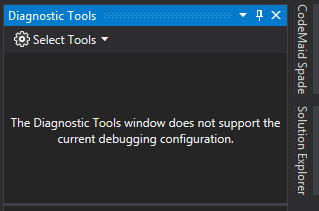
Diagnostic Tools 視窗若出現 The Diagnostic Tools window does not support the current debugging configuration 這樣的訊息。
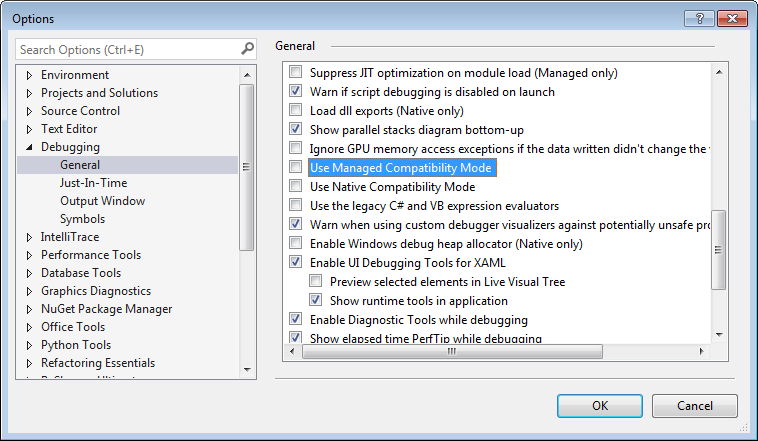
可開啟 Options 視窗,切到 [Debugging | General],取消勾選 Use Managed Compatiability Mode 選項。
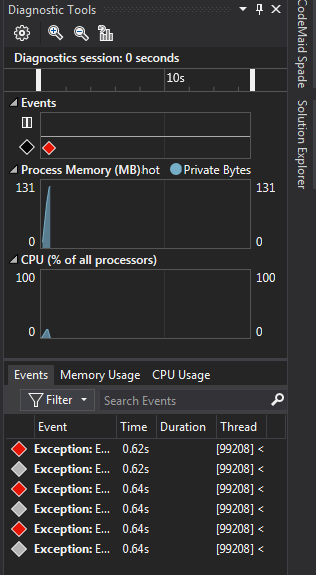
Diagnostic Tools 就可正常運作了。
Diagnostic Tools 視窗若出現 The Diagnostic Tools window does not support the current debugging configuration 這樣的訊息。
可開啟 Options 視窗,切到 [Debugging | General],取消勾選 Use Managed Compatiability Mode 選項。
Diagnostic Tools 就可正常運作了。