要使用 SonarQube scanner for MSBuild 在命令列下進行程式碼的掃描,需先確保 .NET Framework 有到 4.5.2 以上的版本,以及 jre 有到 7u75 以上的版本。

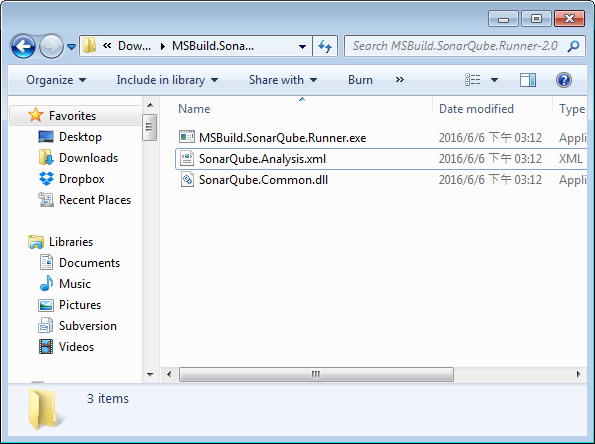
接著下載 SonarQube scanner for MSBuild 後將其解壓縮。
SonarQube - Analyzing with SonarQube scanner for MSBuild from the command line

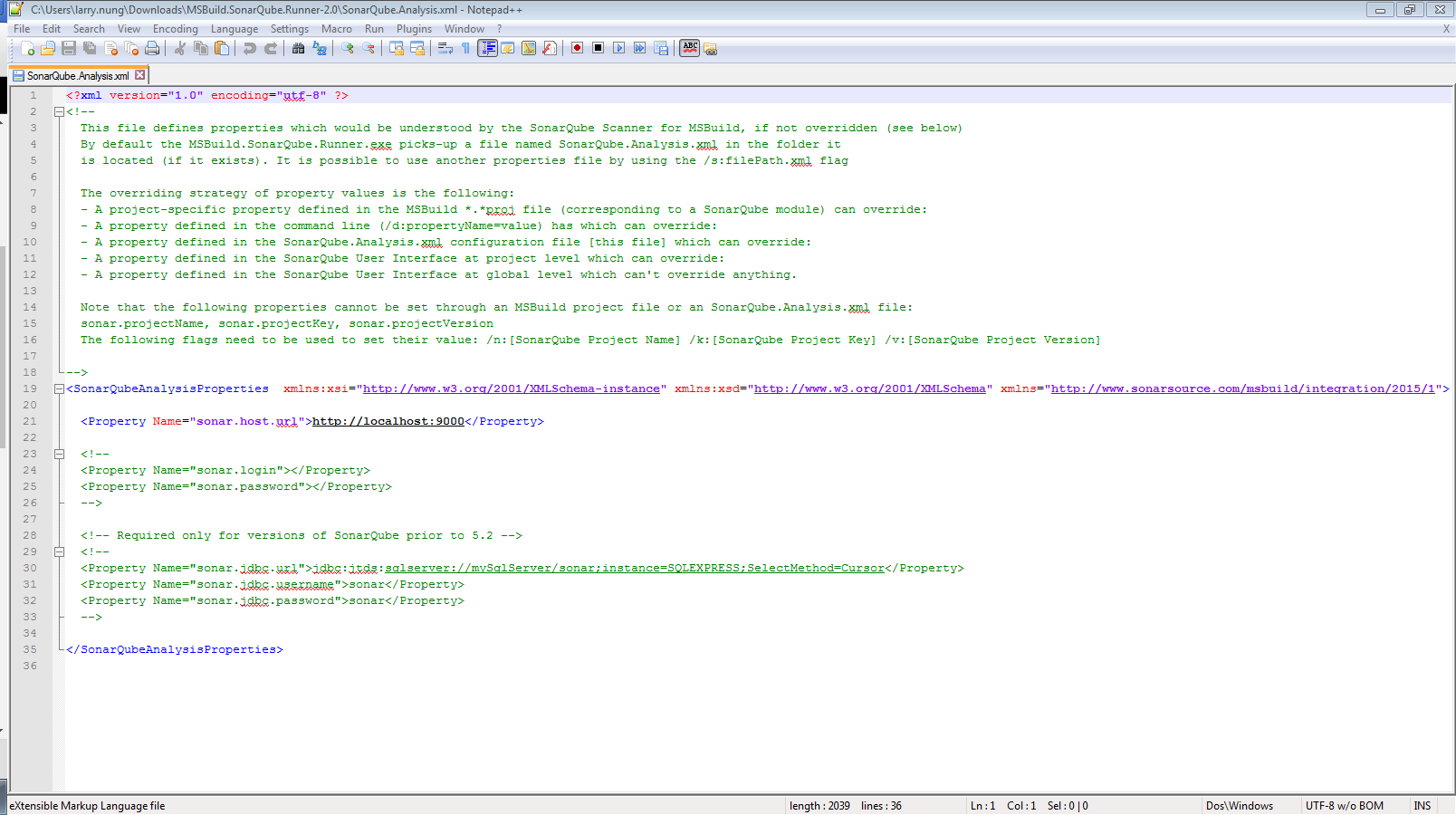
再來要開啟 SonarQube.Analysis.xml 設定 SonarQube 的位置以及認證的資訊。
SonarQube - Analyzing with SonarQube scanner for MSBuild from the command line

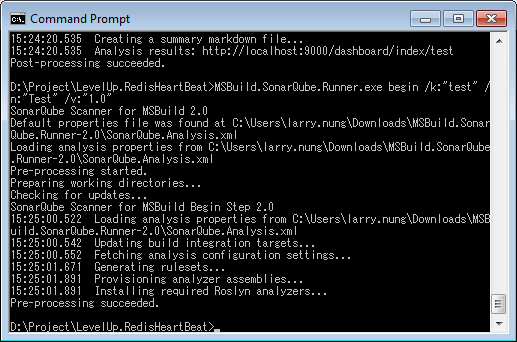
設定完後運行 MSBuild.SonarQube.Runner.exe begin 開始分析。

MSBuild.SonarQube.Runner.exe begin /k:“sonarqube_project_key” /n:“sonarqube_project_name” /v:“sonarqube_project_version”
SonarQube - Analyzing with SonarQube scanner for MSBuild from the command line

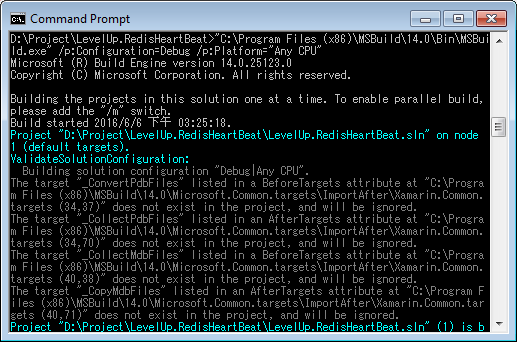
接著用 MSBuild 建置要分析的專案。

SonarQube - Analyzing with SonarQube scanner for MSBuild from the command line

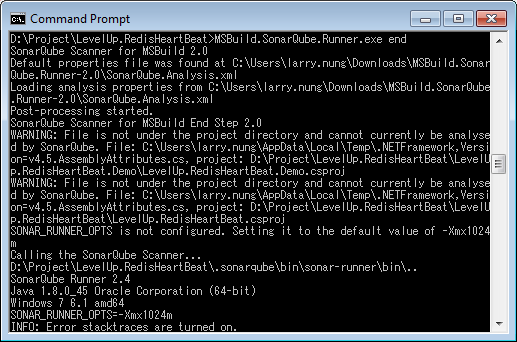
最後運行 MSBuild.SonarQube.Runner.exe end 停止分析。

MSBuild.SonarQube.Runner.exe end
SonarQube - Analyzing with SonarQube scanner for MSBuild from the command line

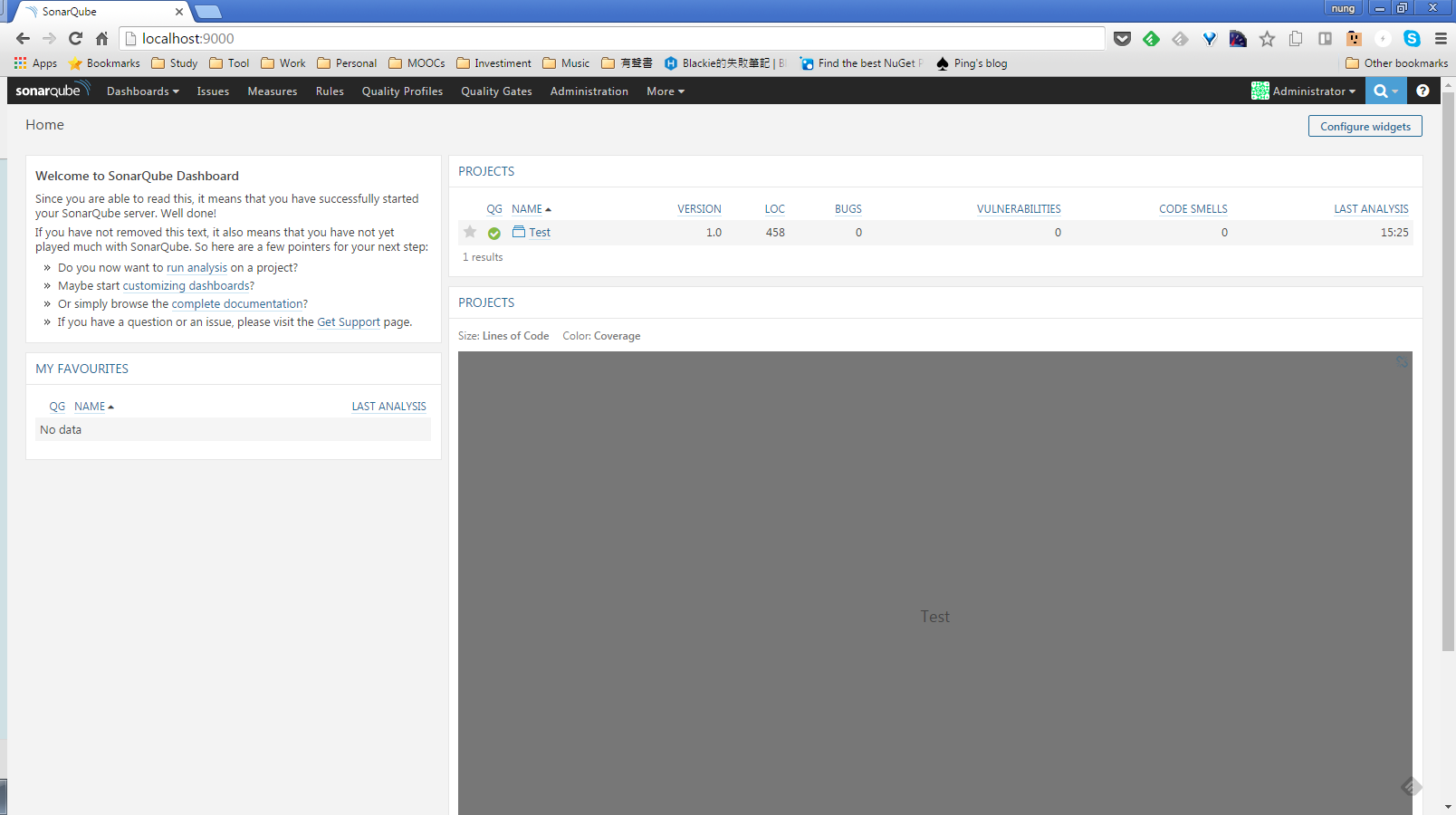
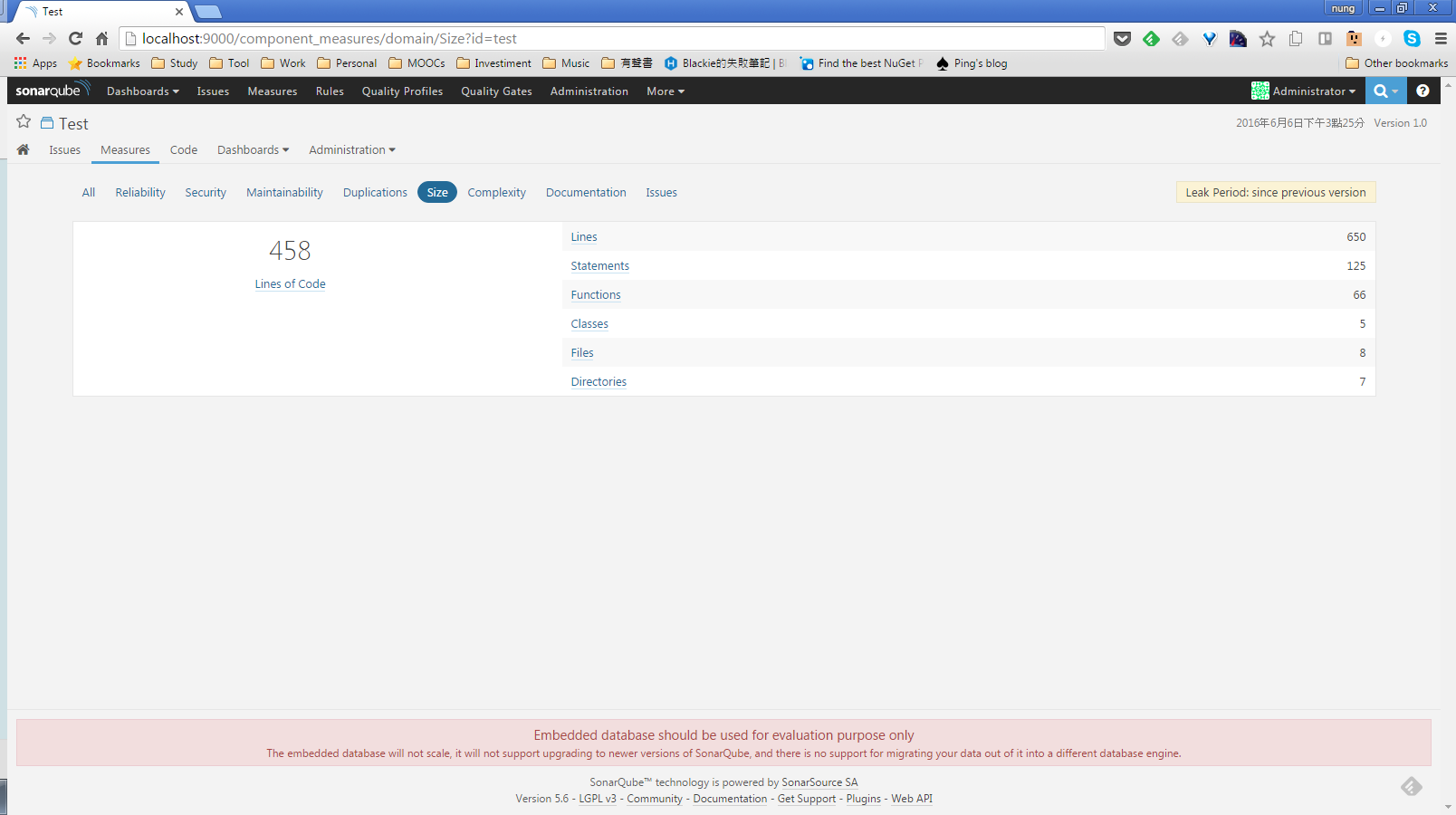
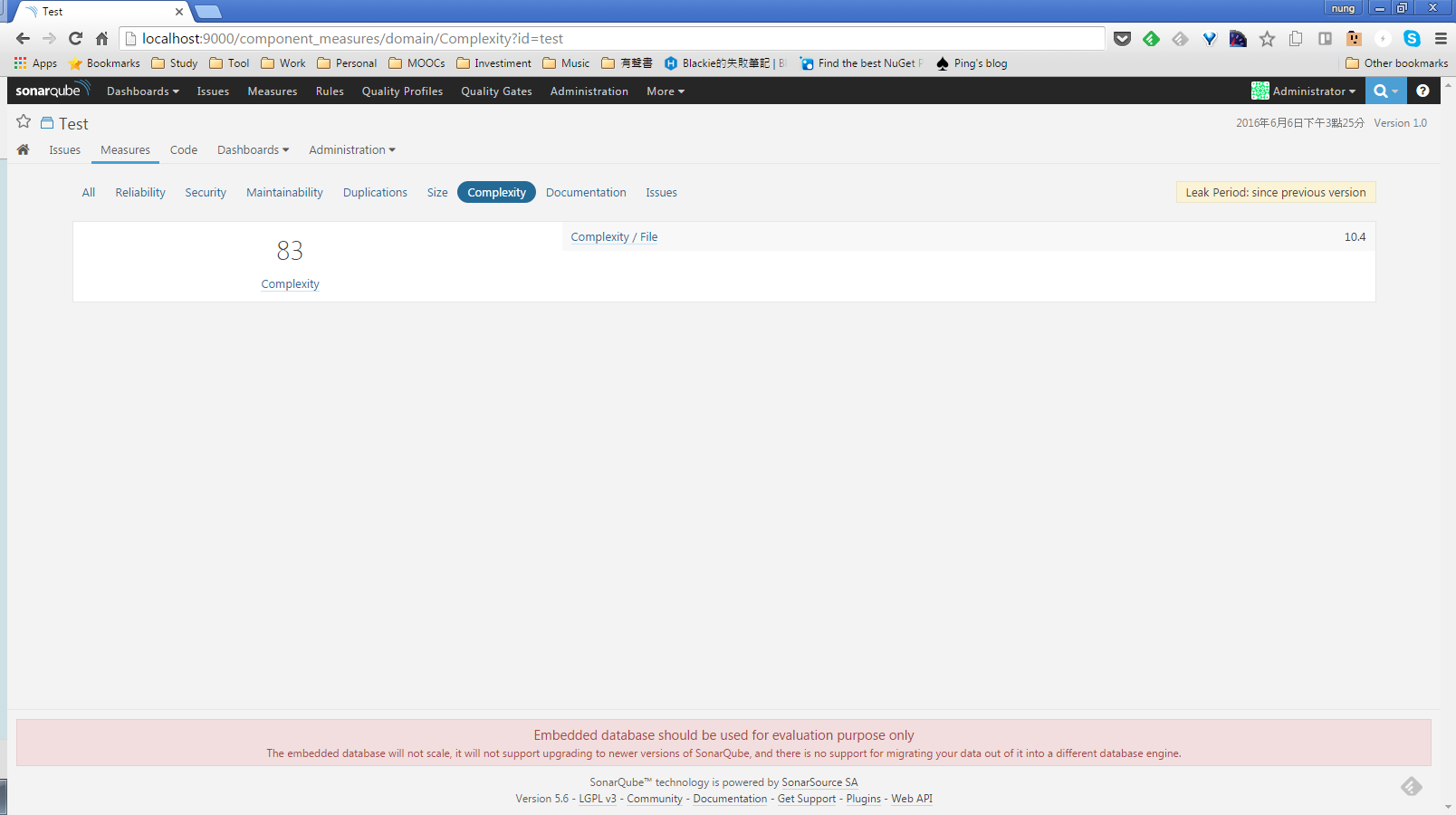
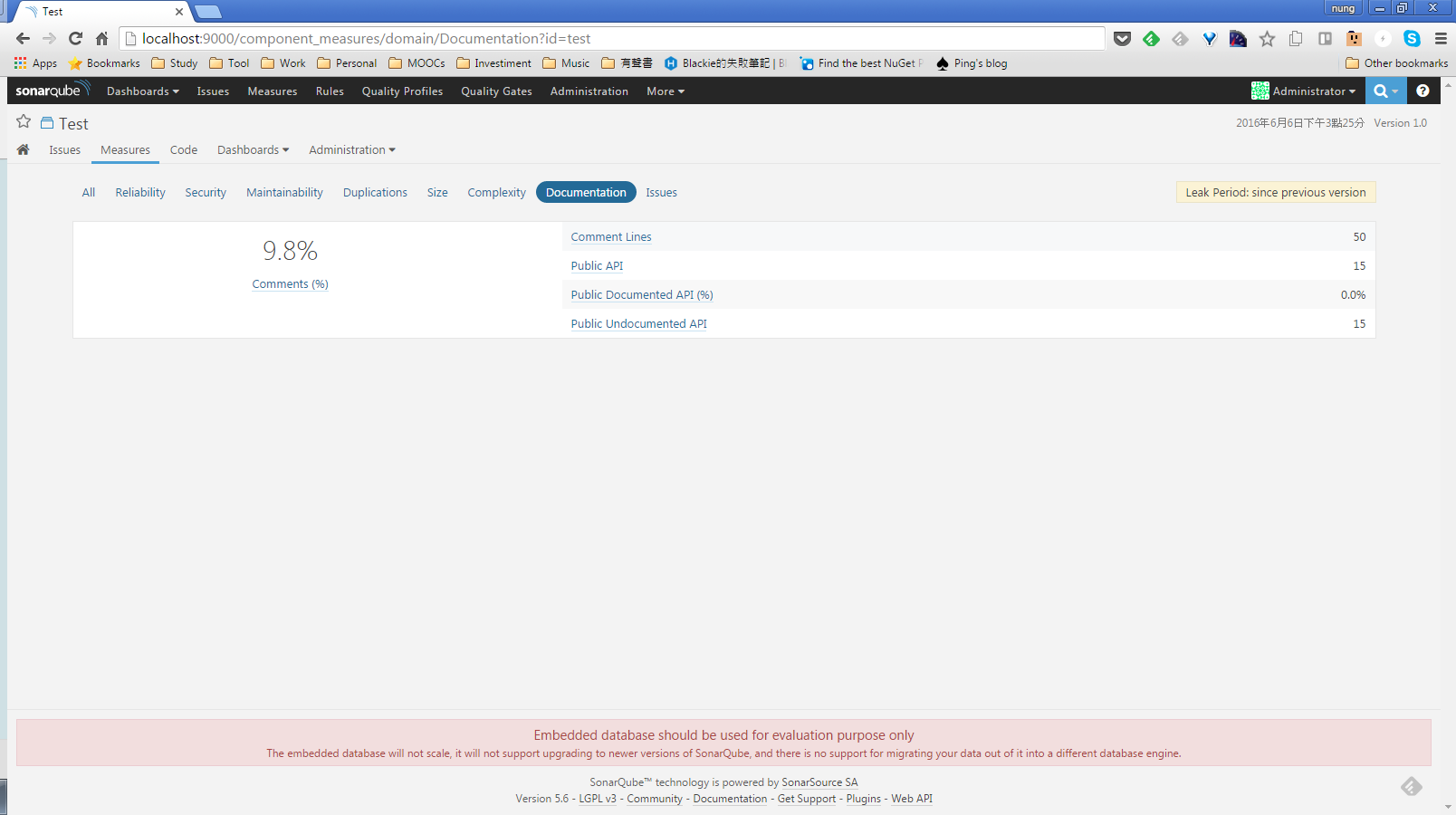
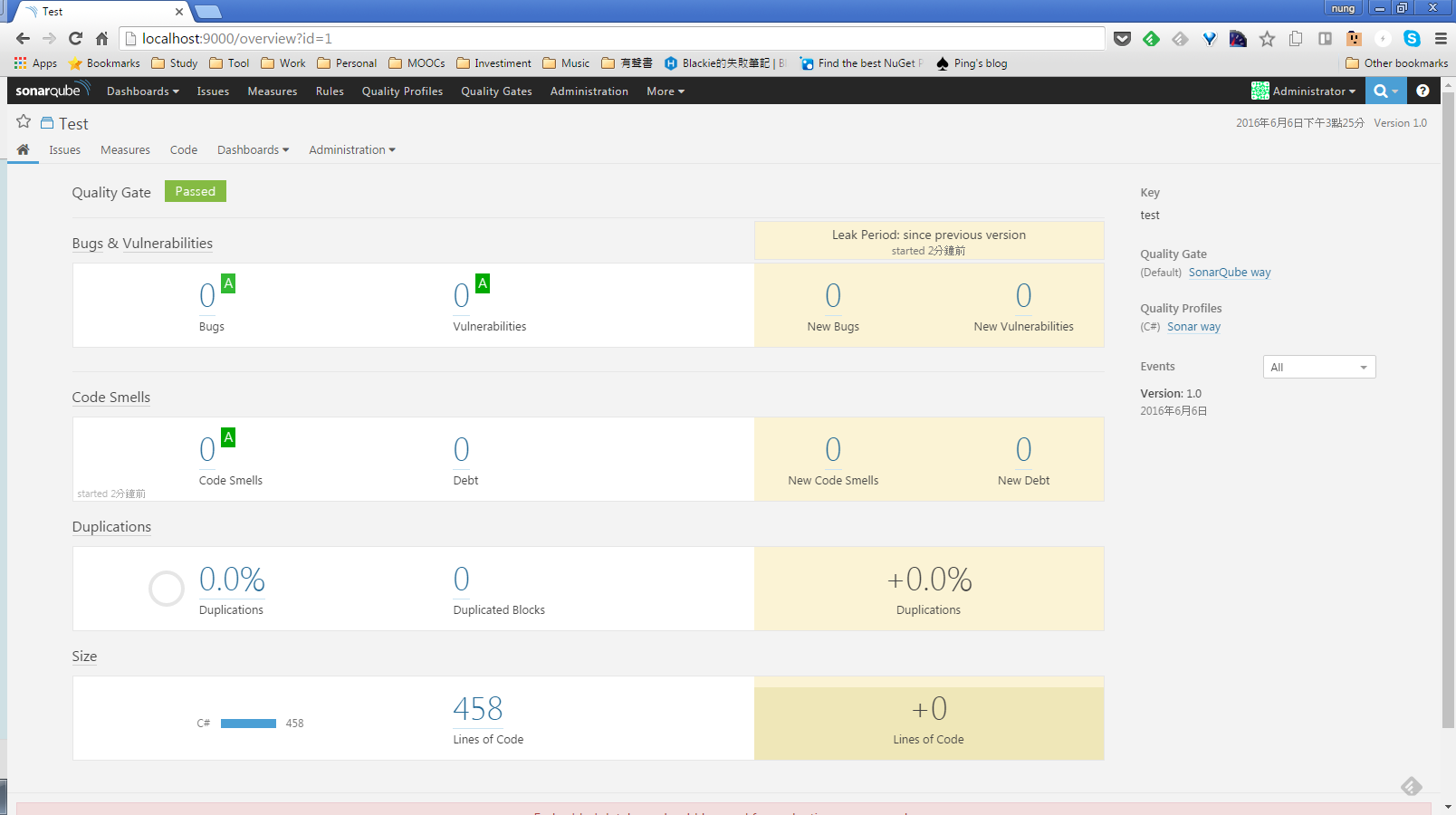
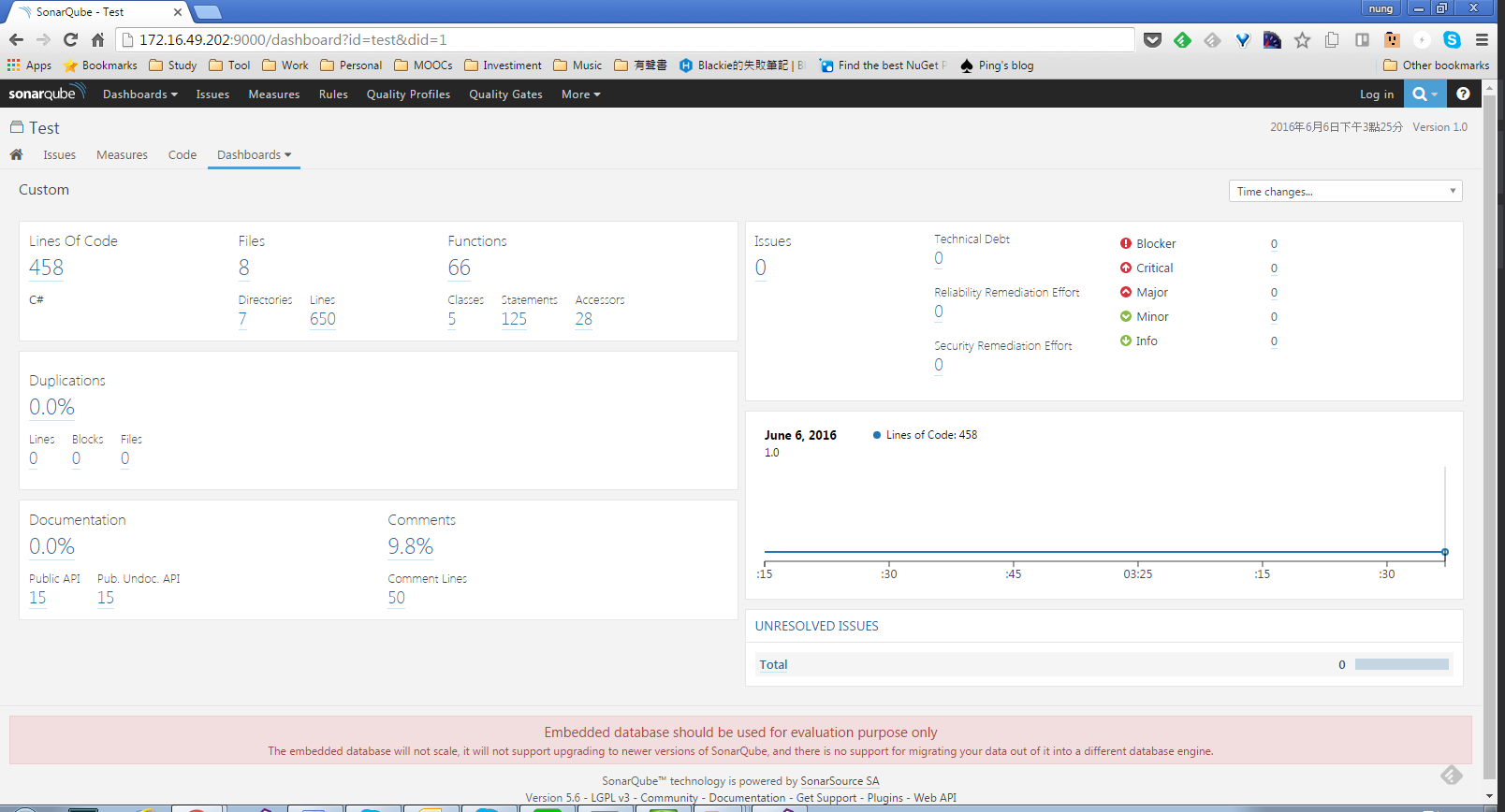
分析完的結果就會送到 SonarQube 上。

SonarQube - Analyzing with SonarQube scanner for MSBuild from the command line

SonarQube - Analyzing with SonarQube scanner for MSBuild from the command line

SonarQube - Analyzing with SonarQube scanner for MSBuild from the command line

SonarQube - Analyzing with SonarQube scanner for MSBuild from the command line

SonarQube - Analyzing with SonarQube scanner for MSBuild from the command line

SonarQube - Analyzing with SonarQube scanner for MSBuild from the command line

Link