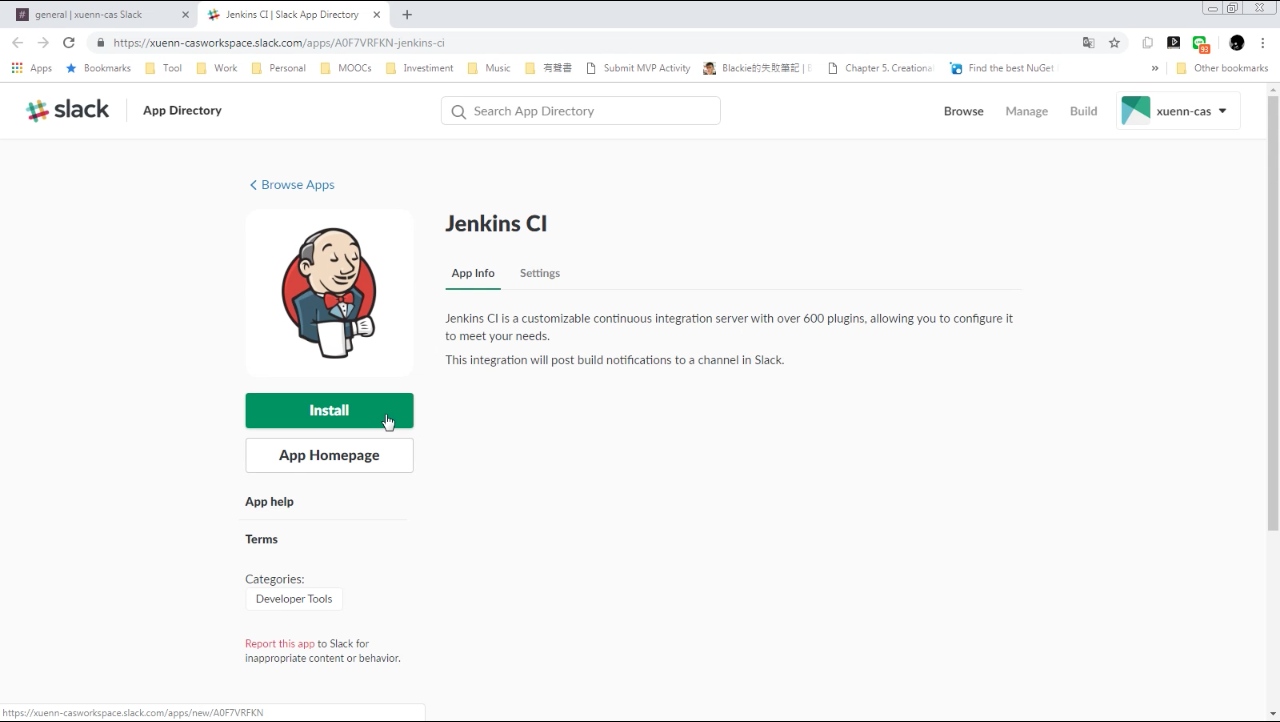
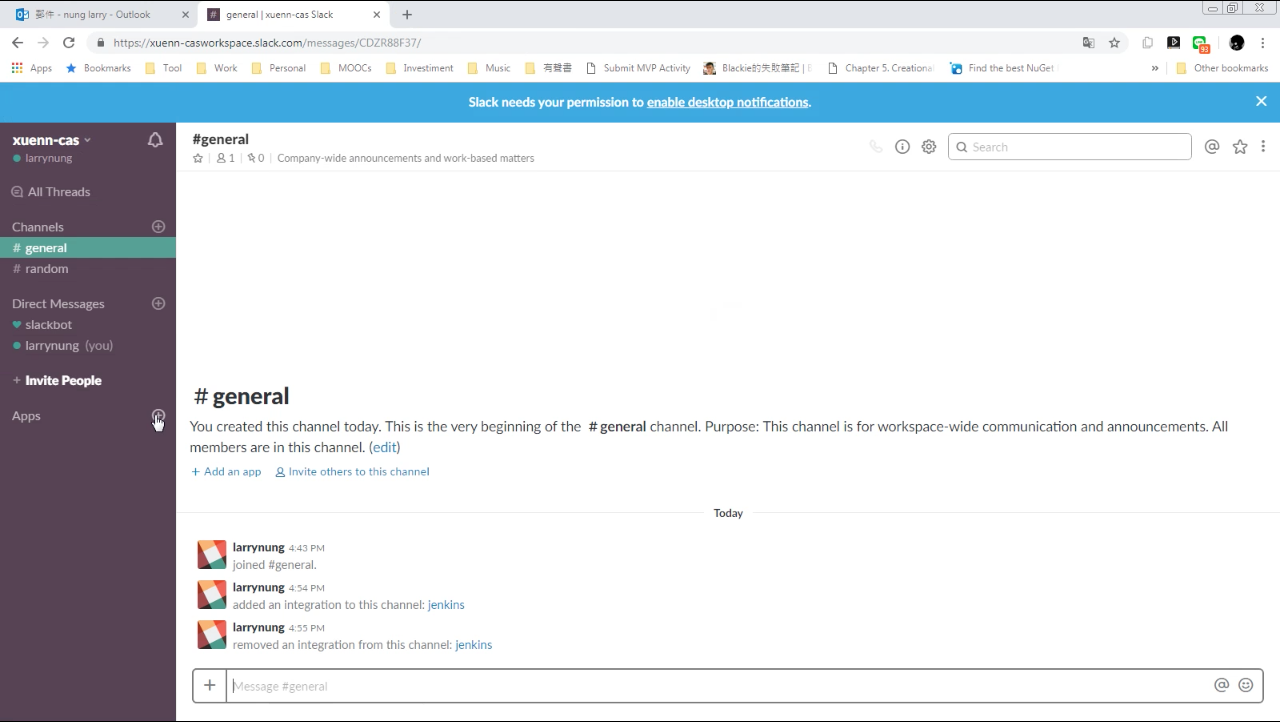
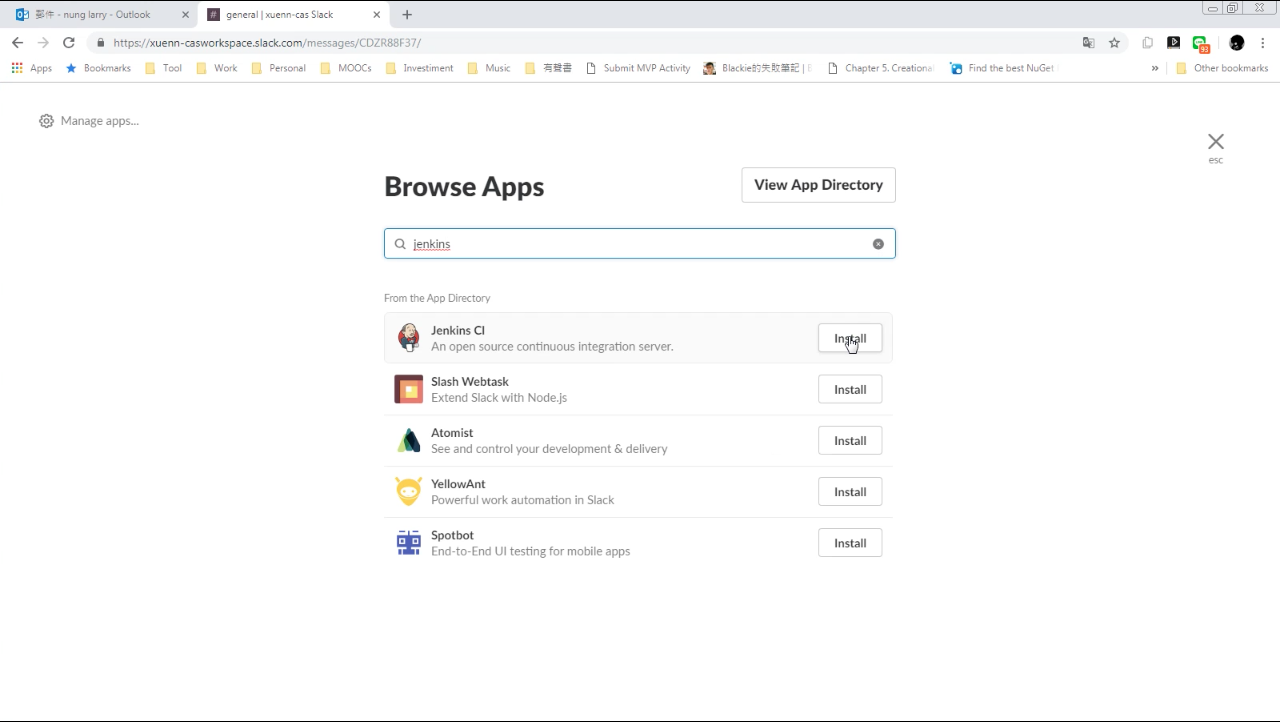
要使用 Slack 接收 Jenkins CI 的建置通知訊息,可在 Slack 中加入 Jenkins CI App。
Slack - Post Jenkins build notifications to a channel in Slack

Slack - Post Jenkins build notifications to a channel in Slack

Slack - Post Jenkins build notifications to a channel in Slack

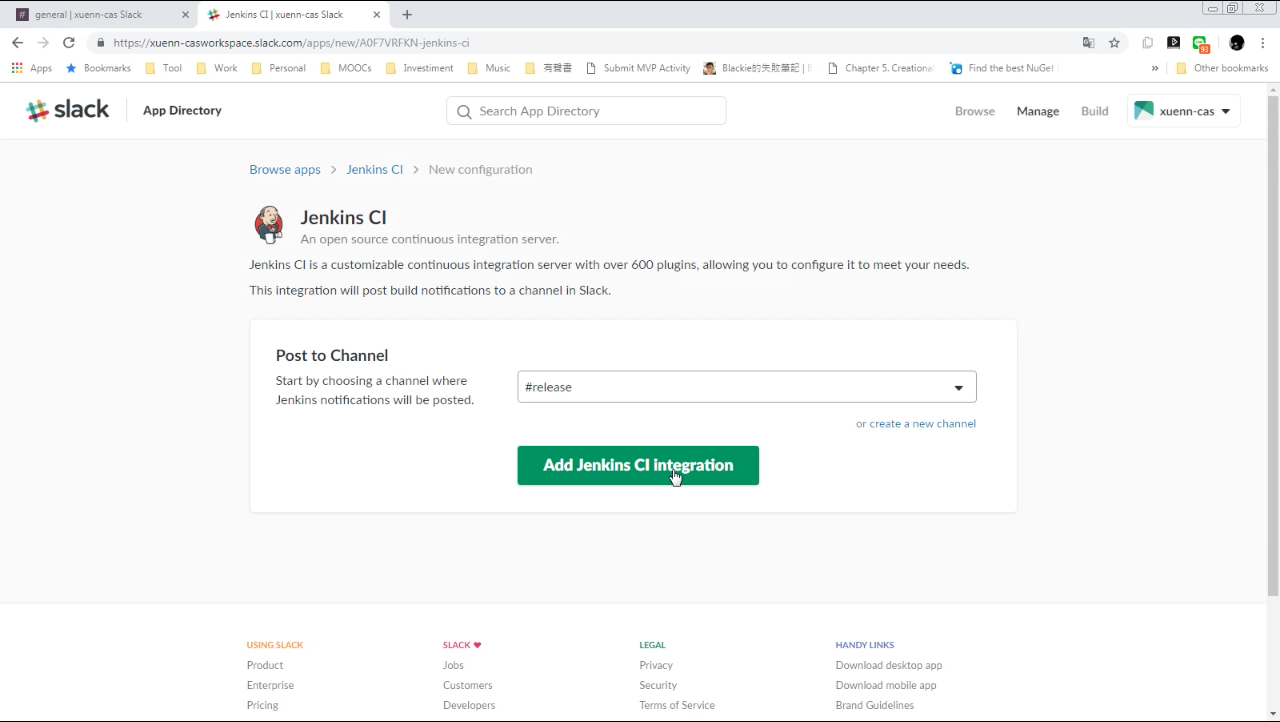
選取 Jenkins CI 建置通知訊息收到後要顯示在哪個 Channel,然後按下 Add Travis CI Integration 按鈕。
Slack - Post Jenkins build notifications to a channel in Slack

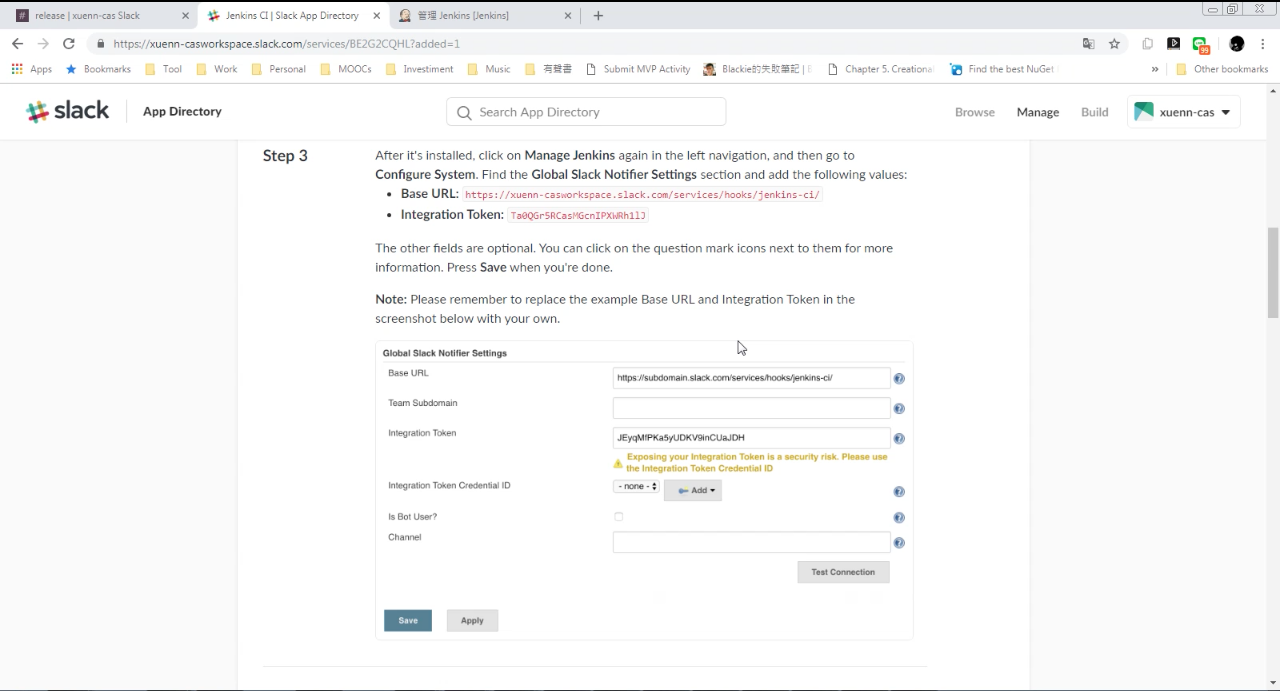
然後照著指示設定 Jenkins。

Slack - Post Jenkins build notifications to a channel in Slack

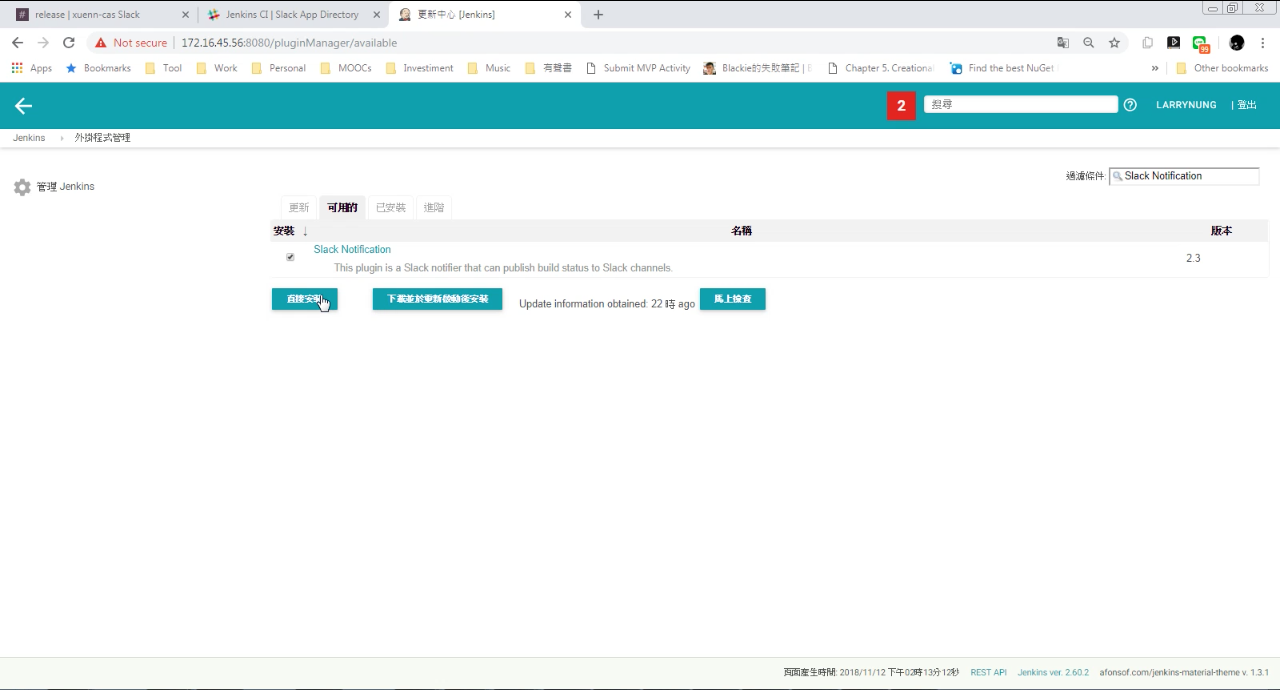
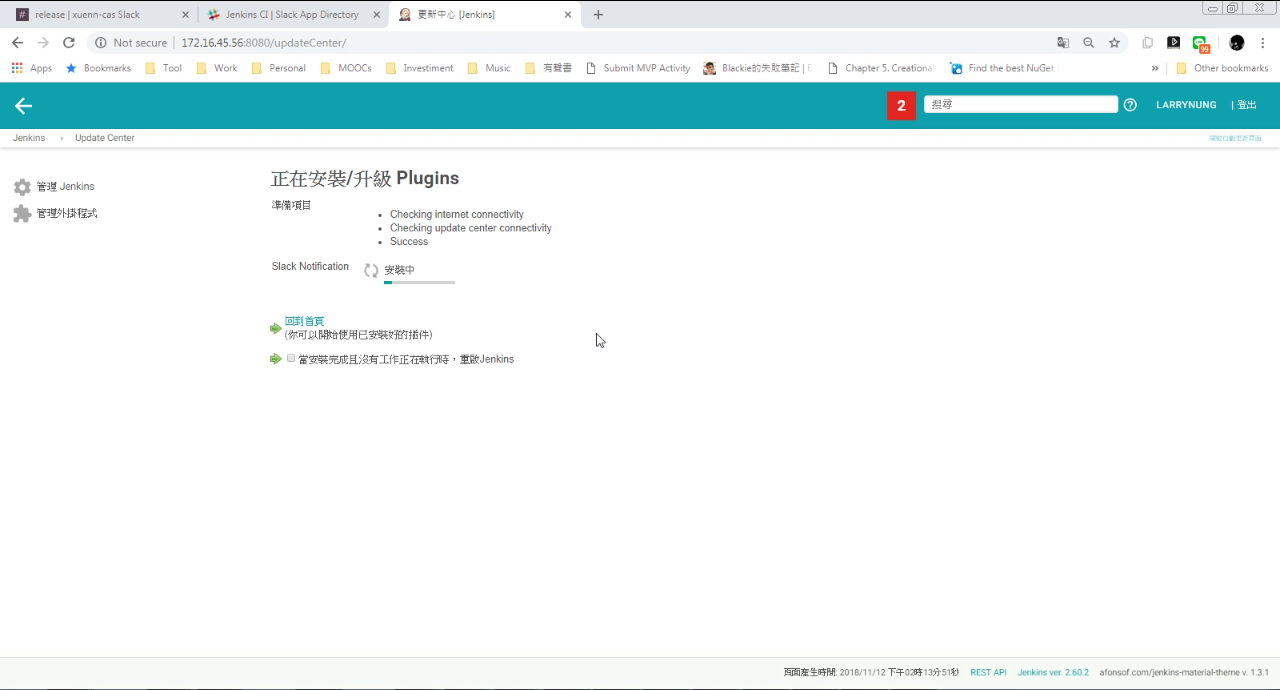
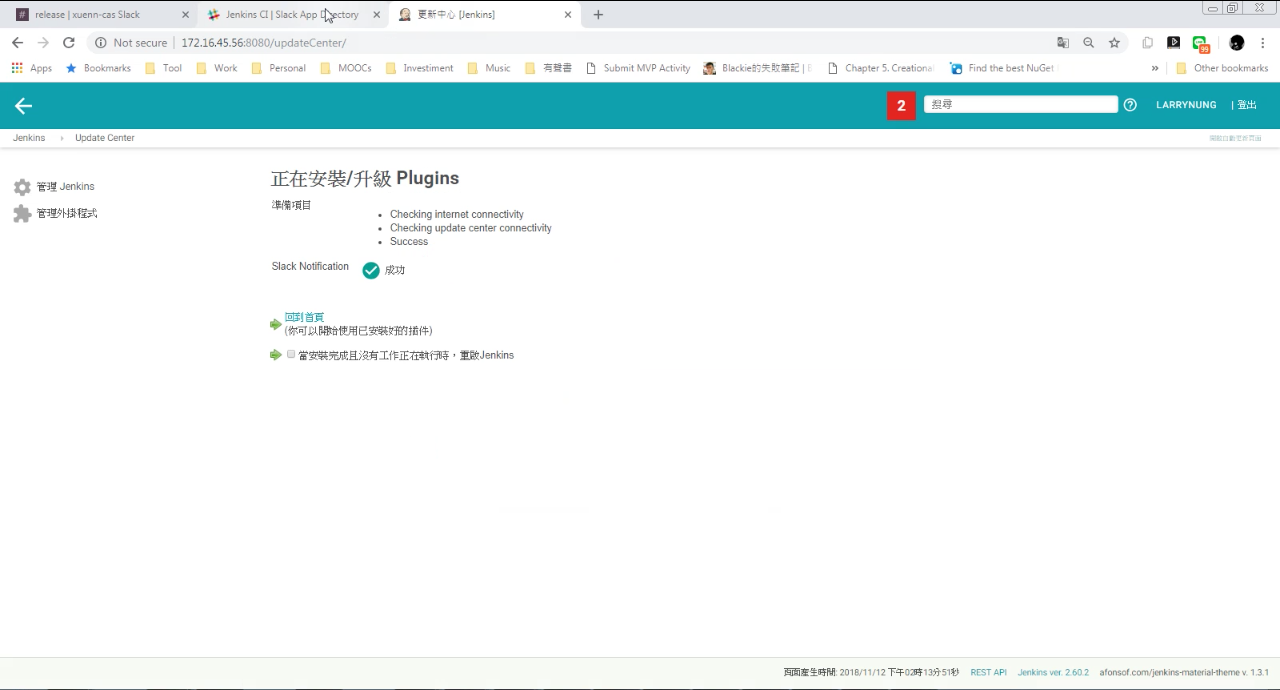
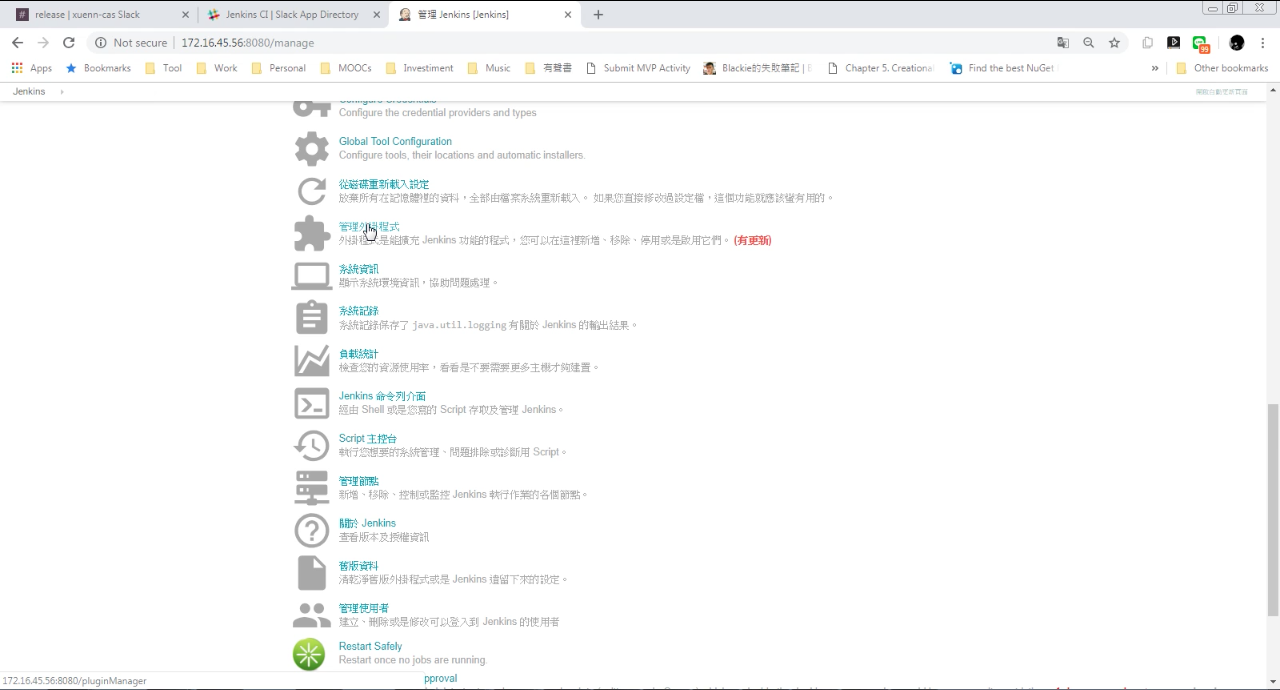
像是透過 Jenkins 的外掛程式管理為 Jenkins 加裝 Slack Notification 套件。
Slack - Post Jenkins build notifications to a channel in Slack

Slack - Post Jenkins build notifications to a channel in Slack

Slack - Post Jenkins build notifications to a channel in Slack

Slack - Post Jenkins build notifications to a channel in Slack

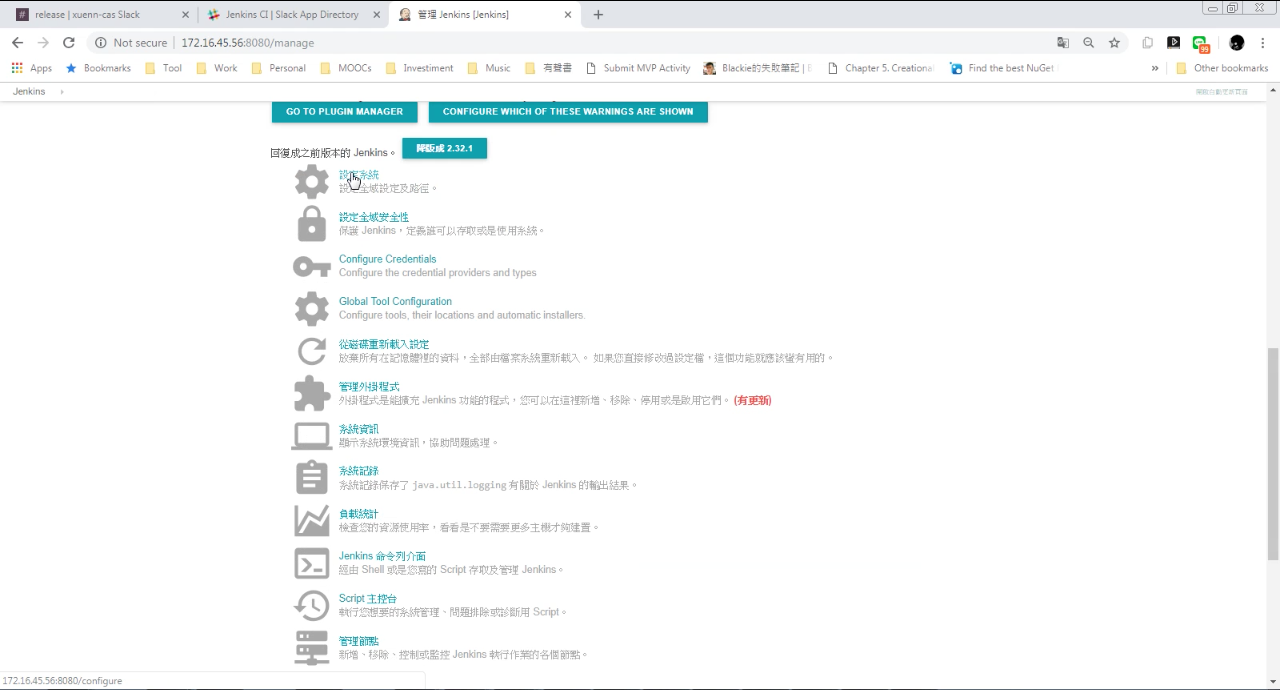
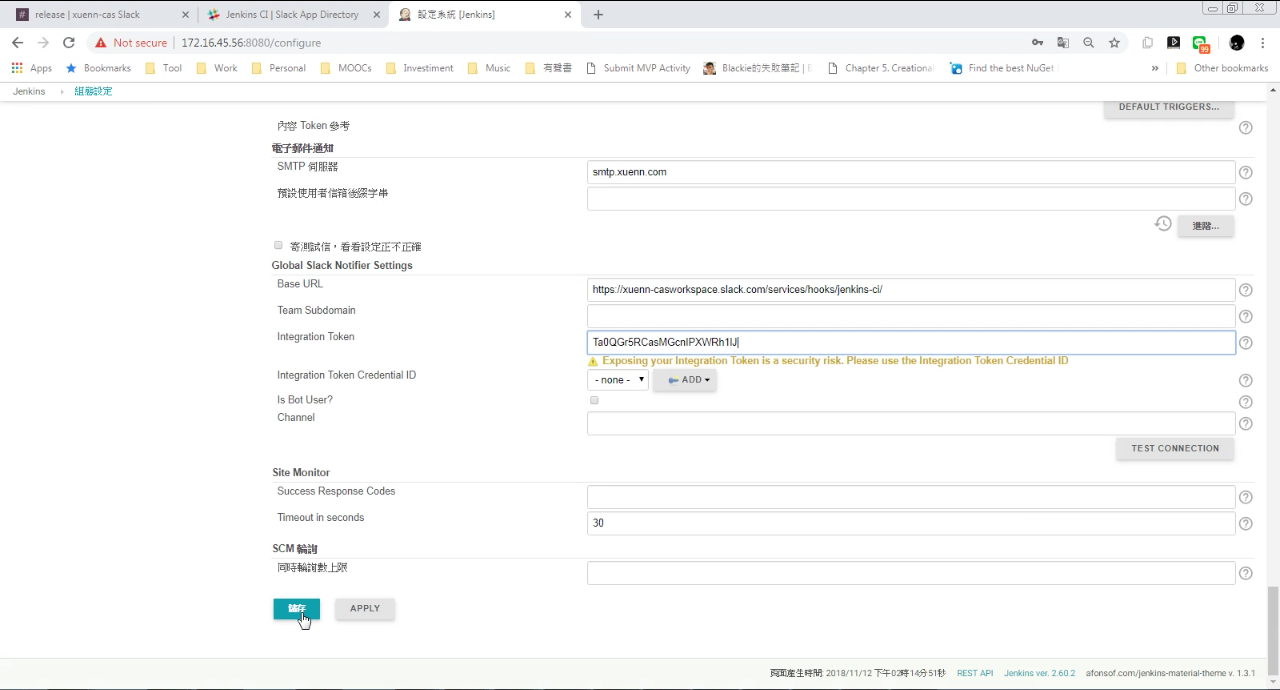
接著進入設定系統。

Slack - Post Jenkins build notifications to a channel in Slack

設定 Global Slack Notifier Settings 的 Base URL 與 Integration Token,按下儲存按鈕。
Slack - Post Jenkins build notifications to a channel in Slack

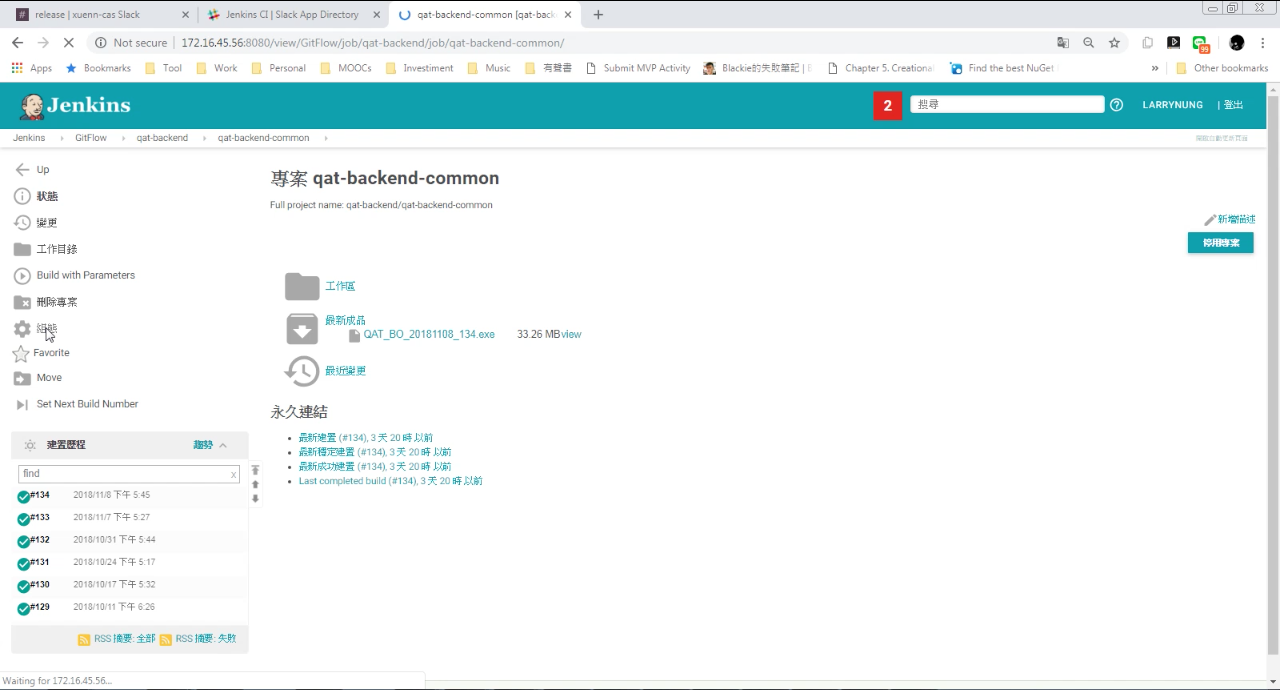
進到 Job 的組態設定。

Slack - Post Jenkins build notifications to a channel in Slack

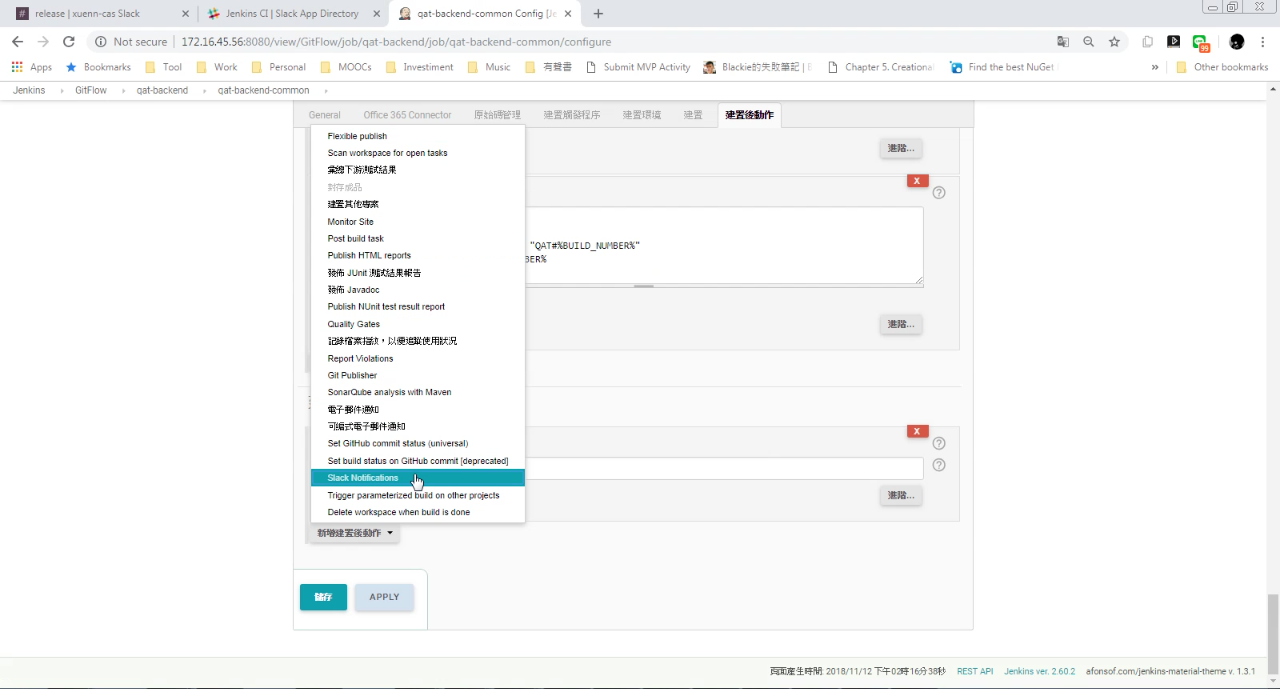
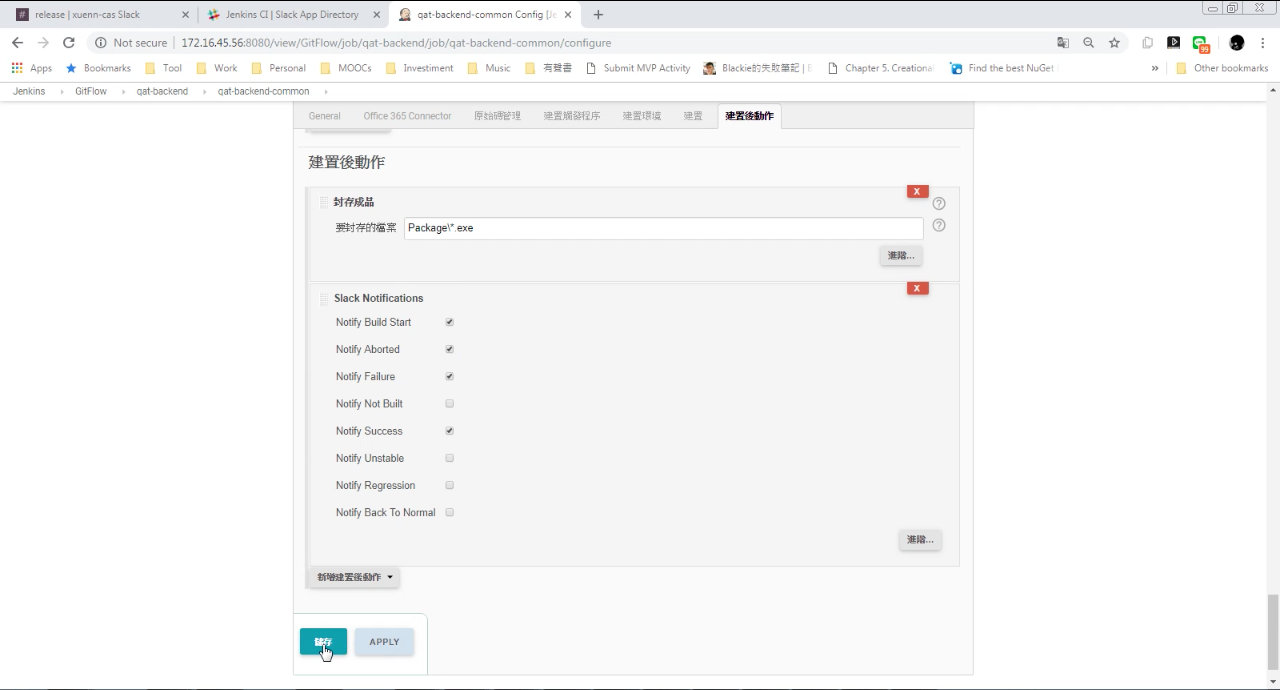
在建置後動作加入 Slack Notifications。

Slack - Post Jenkins build notifications to a channel in Slack

設定要通知的事件。

Slack - Post Jenkins build notifications to a channel in Slack

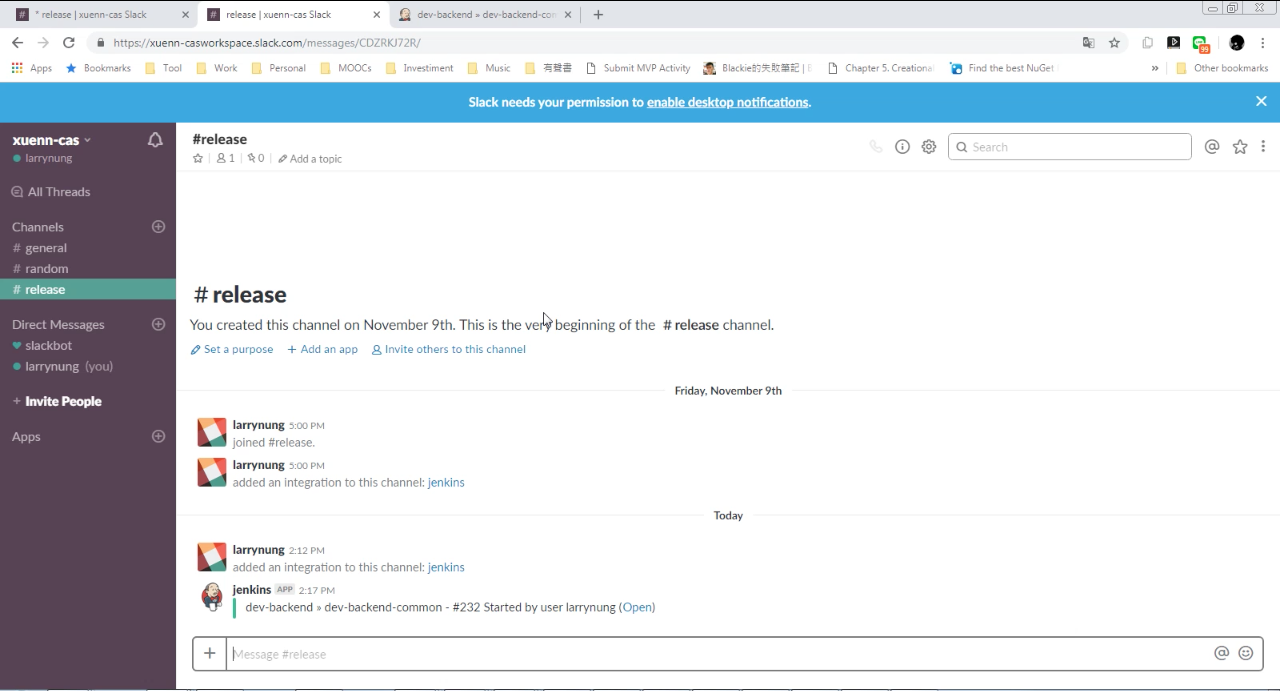
當對應事件發生時 Slack 就會收到 Jenkins 的通知訊息。

Slack - Post Jenkins build notifications to a channel in Slack