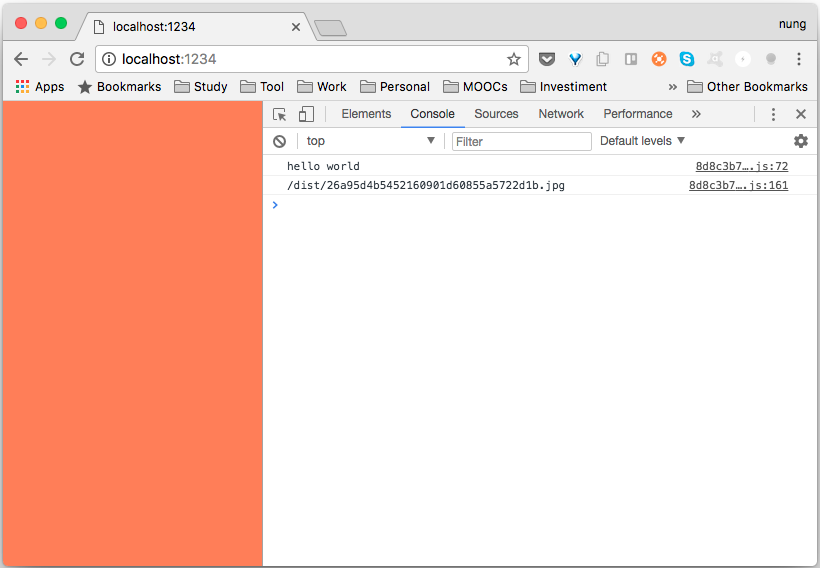
要使用 Parcel 在 JavaScript 中載入 JavaScript 模塊可用 CommonJS 的寫法。
const module = require(modulePath);
或是 ES6 的寫法。
import module from modulePath;
除了 JavaScript 的模塊外,也能引用 CSS 文件。
import cssPath;
以及引用圖片。
import imageUrl from imagePath;
像是下面這邊筆者創建了個簡單的範例,建立了個 index.html,裡面引用了 index.js。
<html>
    <body>
      <script src="./scripts/index.js"></script>
    </body>
</html>
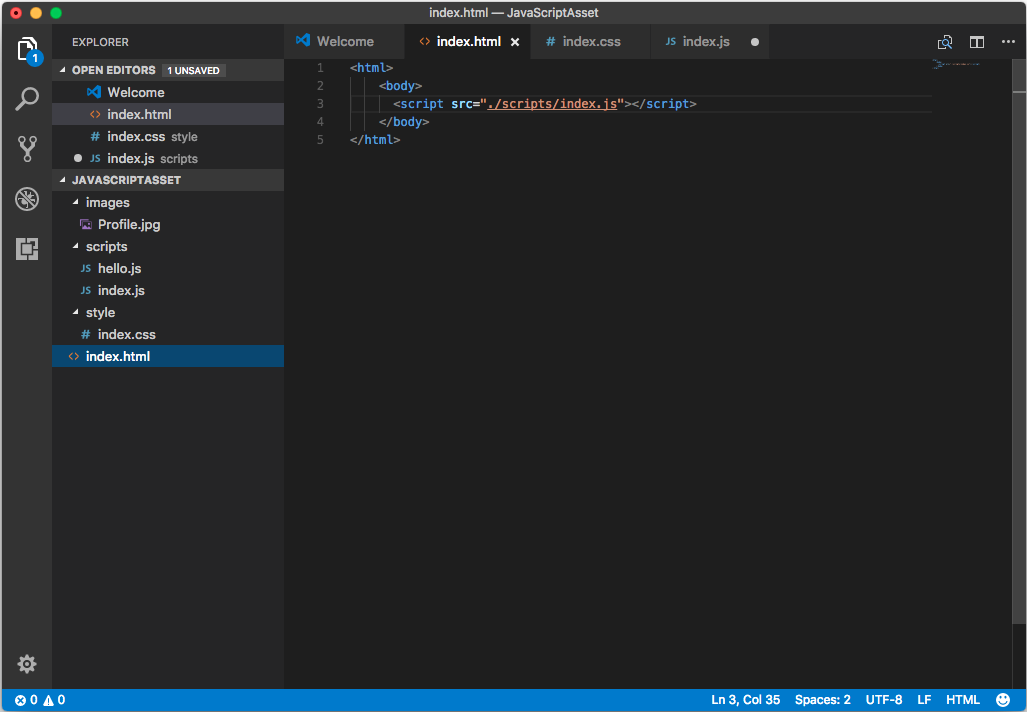
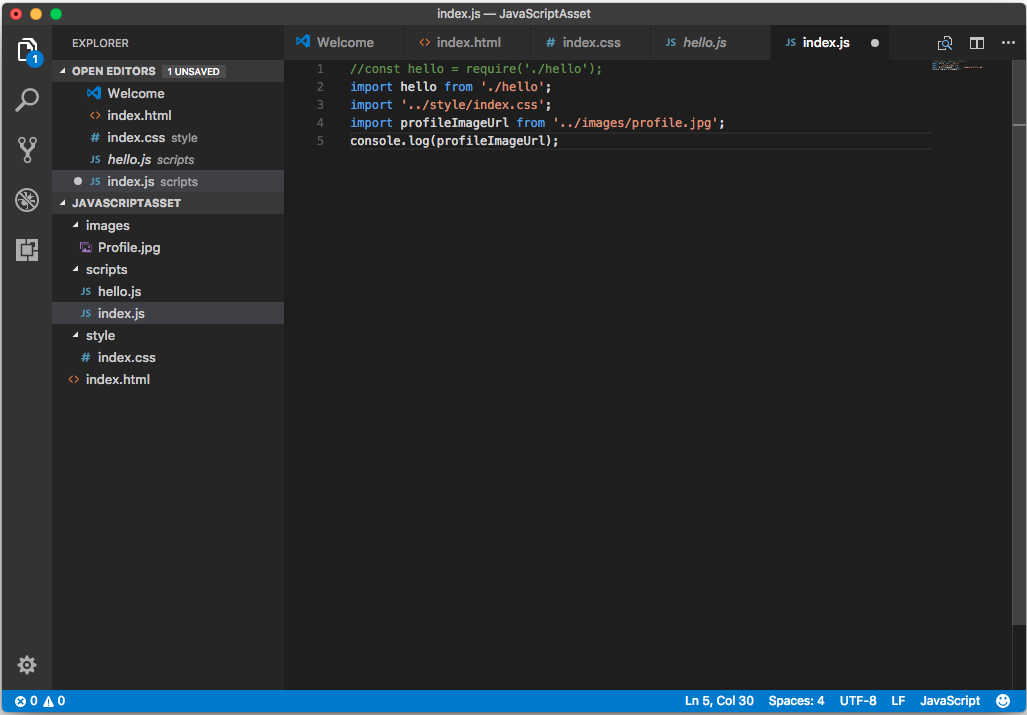
index.js 內引用了不同類型的檔案。
//const hello = require('./hello');
import hello from './hello';
import '../style/index.css';
import profileImageUrl from '../images/profile.jpg';
console.log(profileImageUrl);
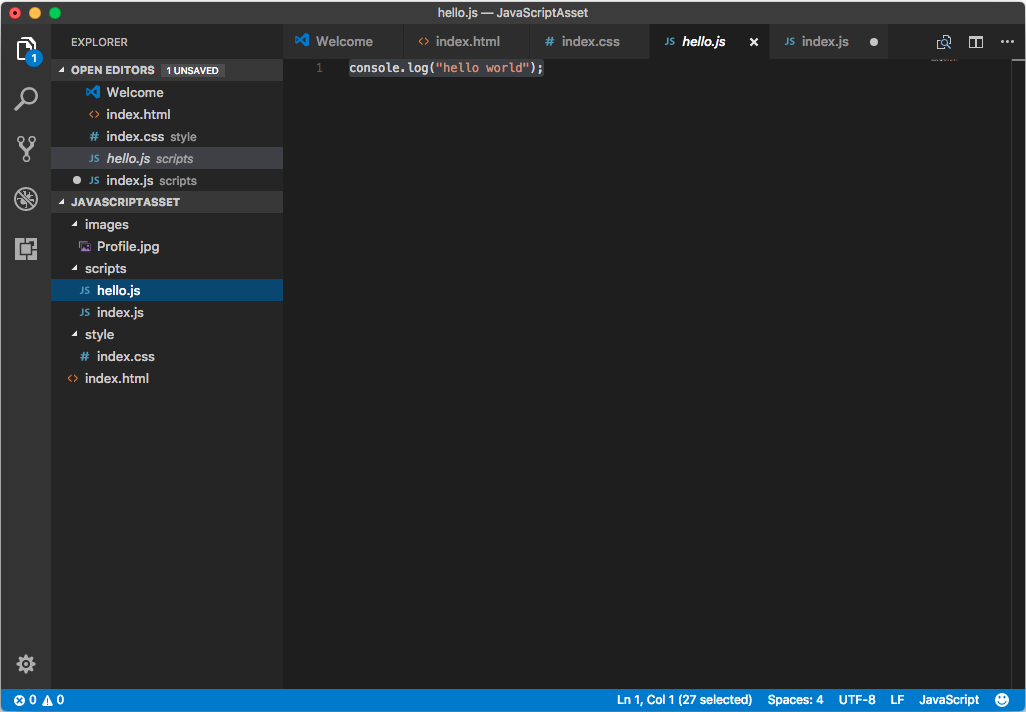
像是 js 檔(hello.js)。
console.log("hello world");
CSS 檔(index.css)。
body {background-color: coral;}
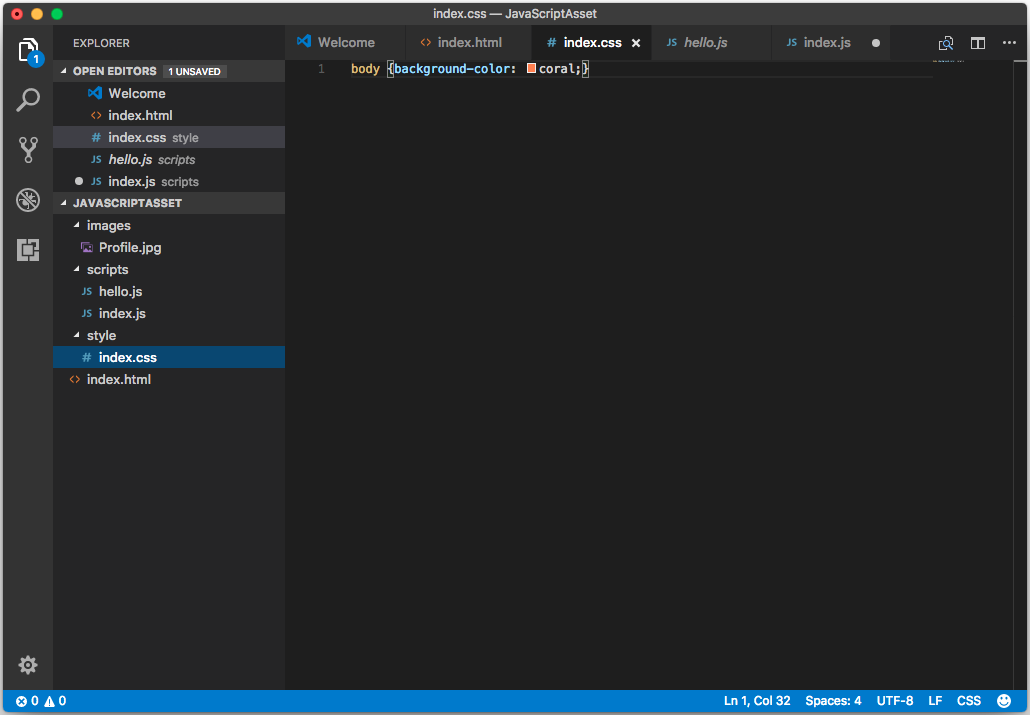
以及圖檔。
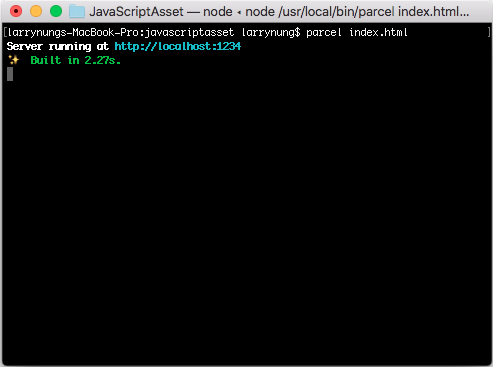
範例準備好後調用 Parcel 命令建置並啟用服務。
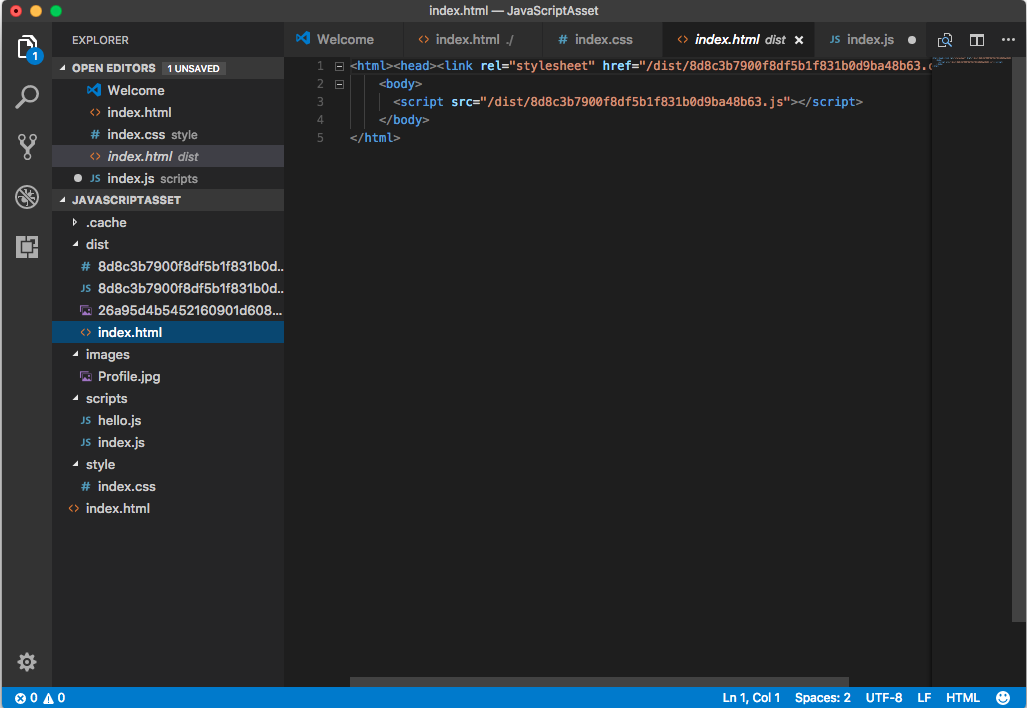
Parcel 解析網站後會將需要的檔案處理後移至輸出目錄。
連至啟動的服務網址,可看到網站正確的被運行。