LogDevice 目前只支援在 Ubuntu 18 LTS “Bionic Beaver” 安裝。
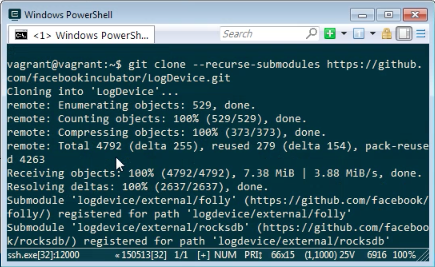
且只支援由 Source 建置安裝,所以我們需先下載 LogDevice 的 Source Code。
git clone –recurse-submodules git://github.com/facebookincubator/LogDevice
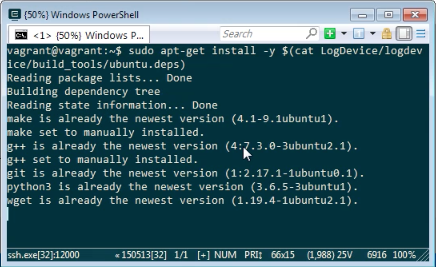
安裝 LogDevice 依賴的套件。
sudo apt-get install -y $(cat LogDevice/logdevice/build_tools/ubuntu.deps)
然後建立目錄用來做建置。
mkdir -p LogDevice/_build
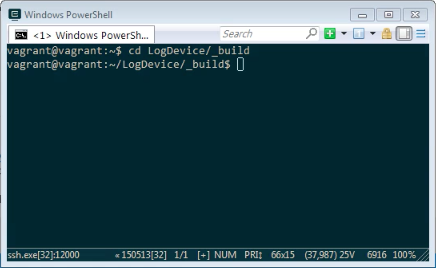
進到建立的建置目錄。
cd LogDevice/_build
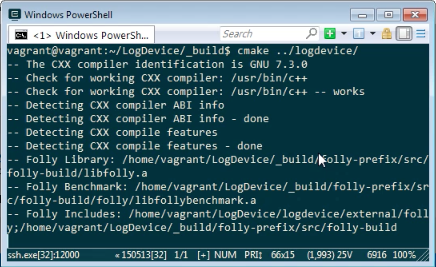
使用 cmake 設定建置。
cmake ../logdevice/
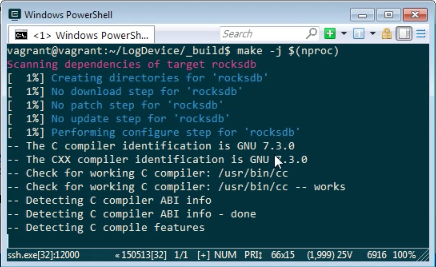
運行 make 建置。
make -j $(nproc)
如果要將建置的檔案安裝至系統中,可調用下列命令:
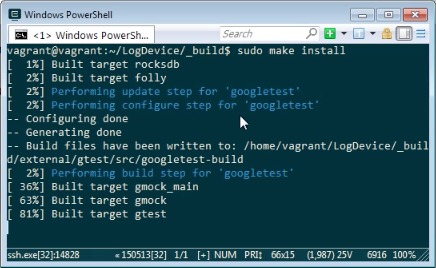
sudo make install