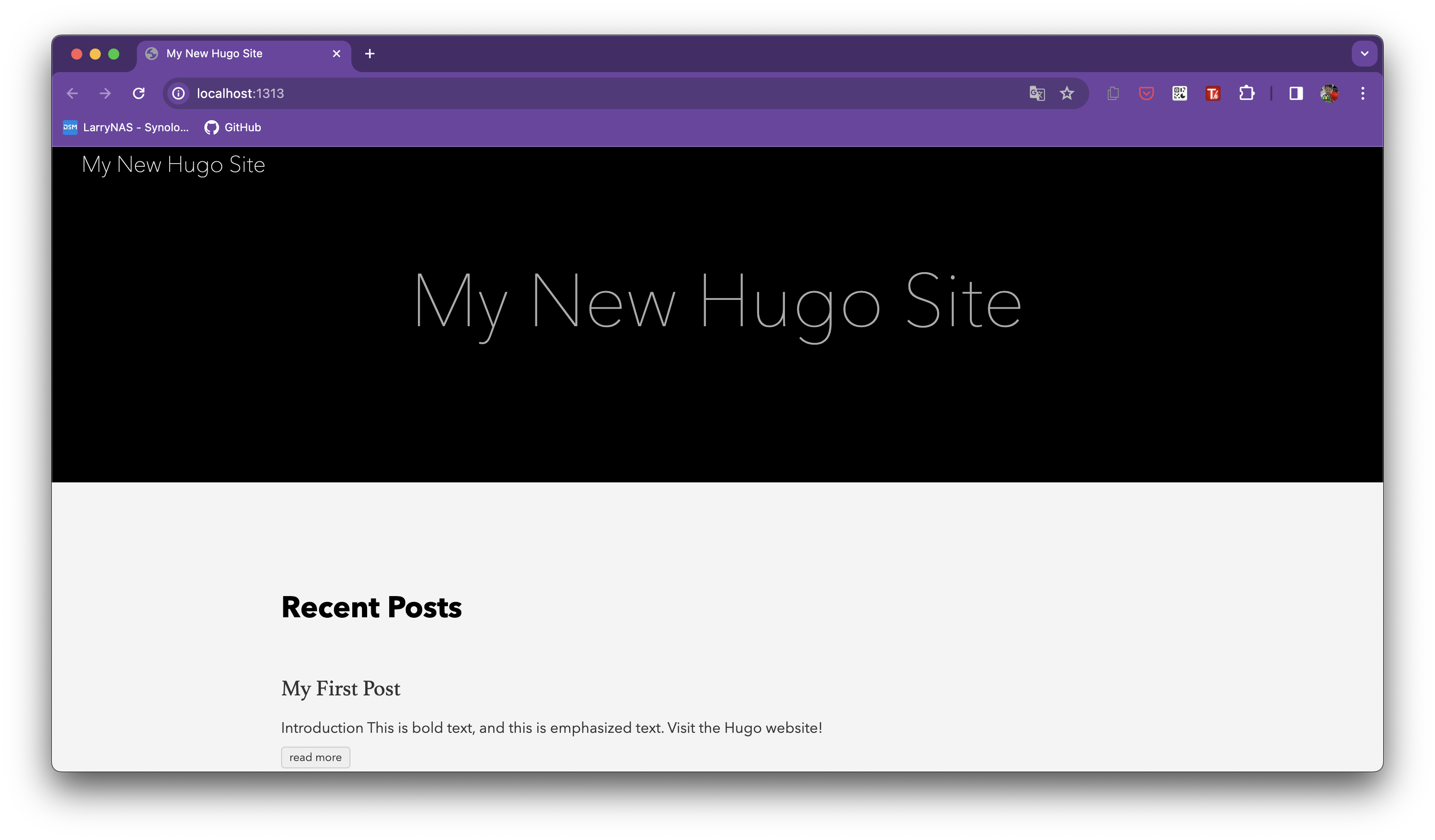
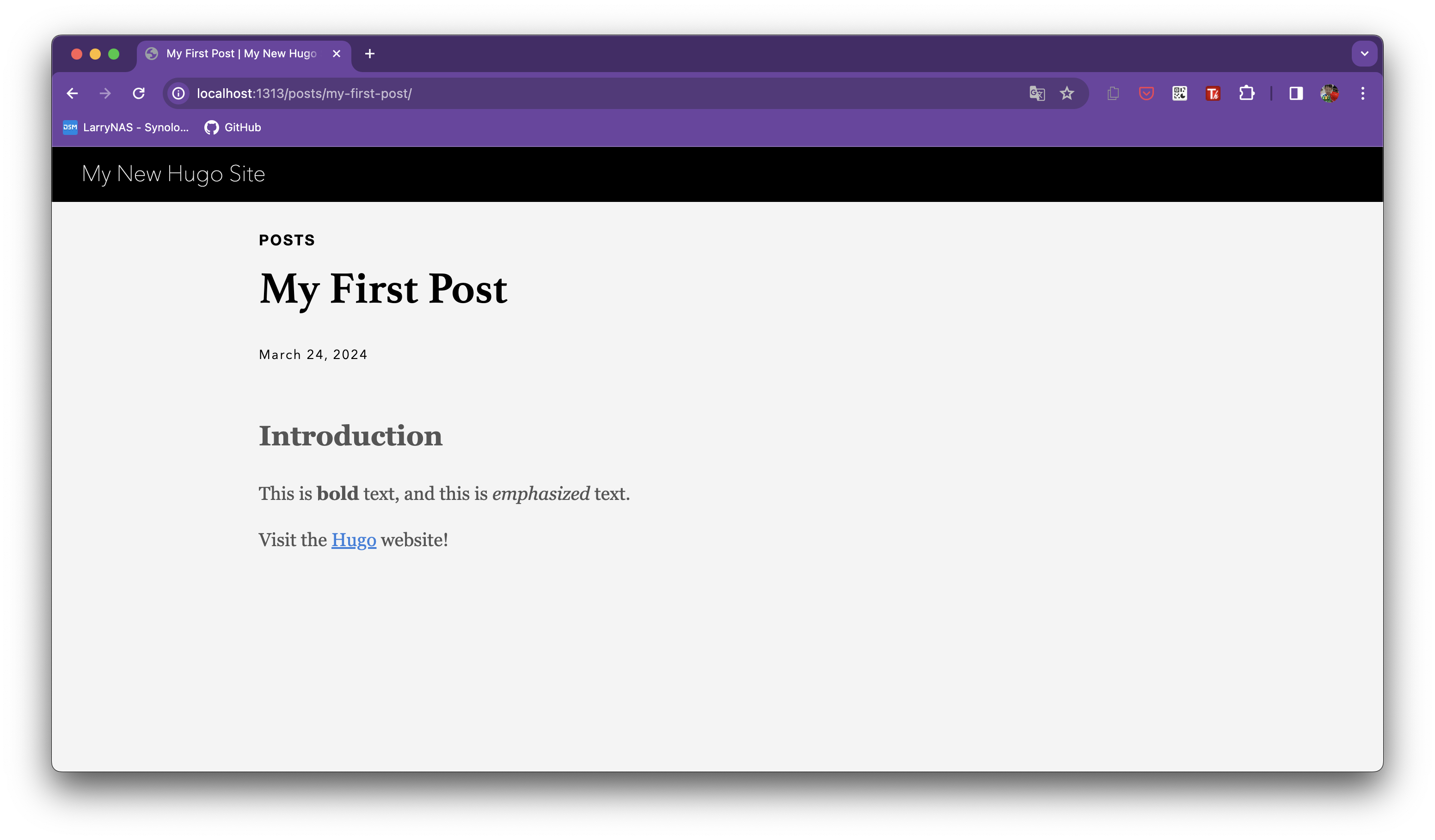
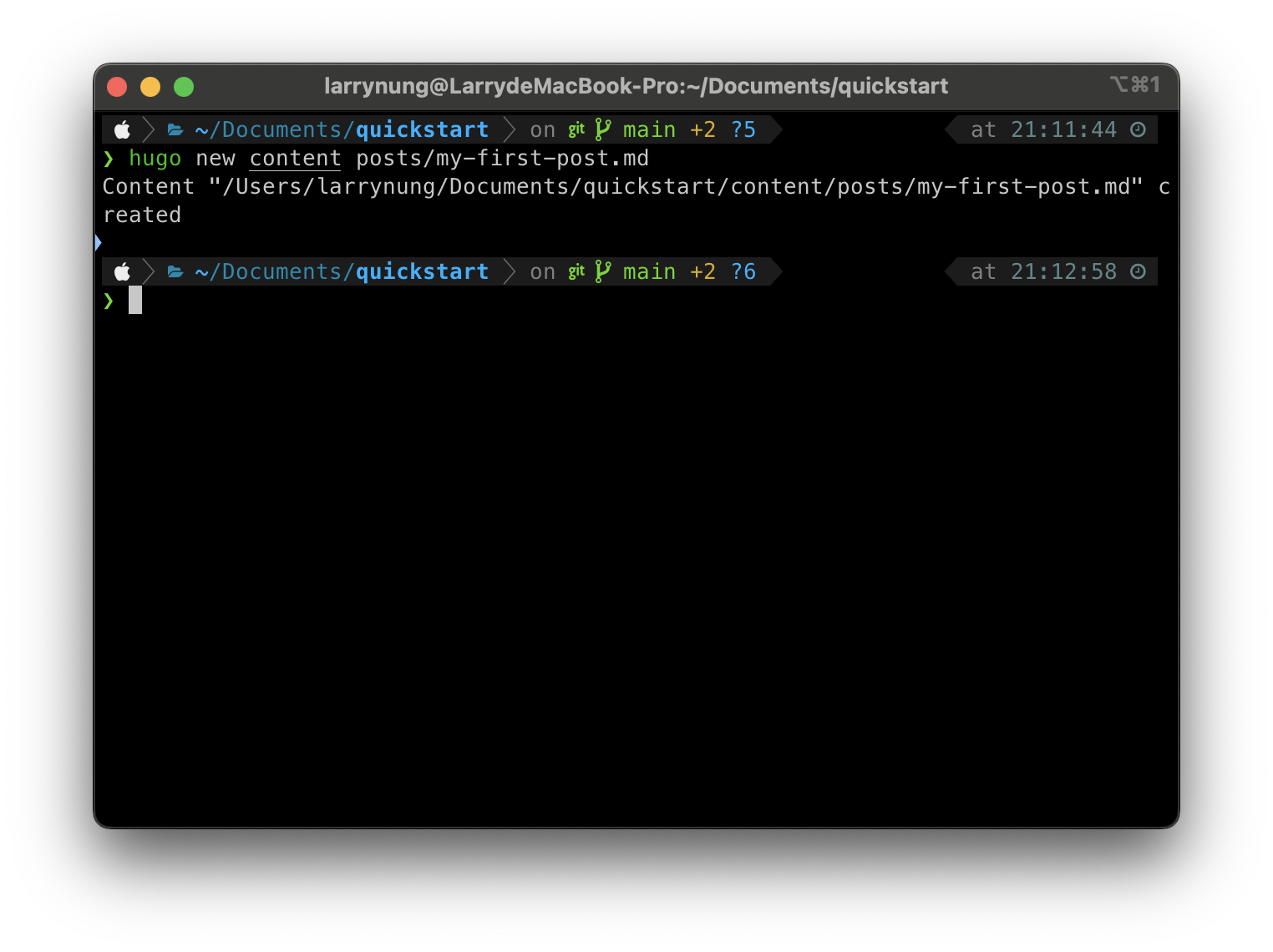
Hugo 站台建立完後可以開始為站台加入文章,透過 Hugo 的 new content 命令,帶入文章檔名建立 Hugo 文章。
hugo new content posts/[postfilename].md
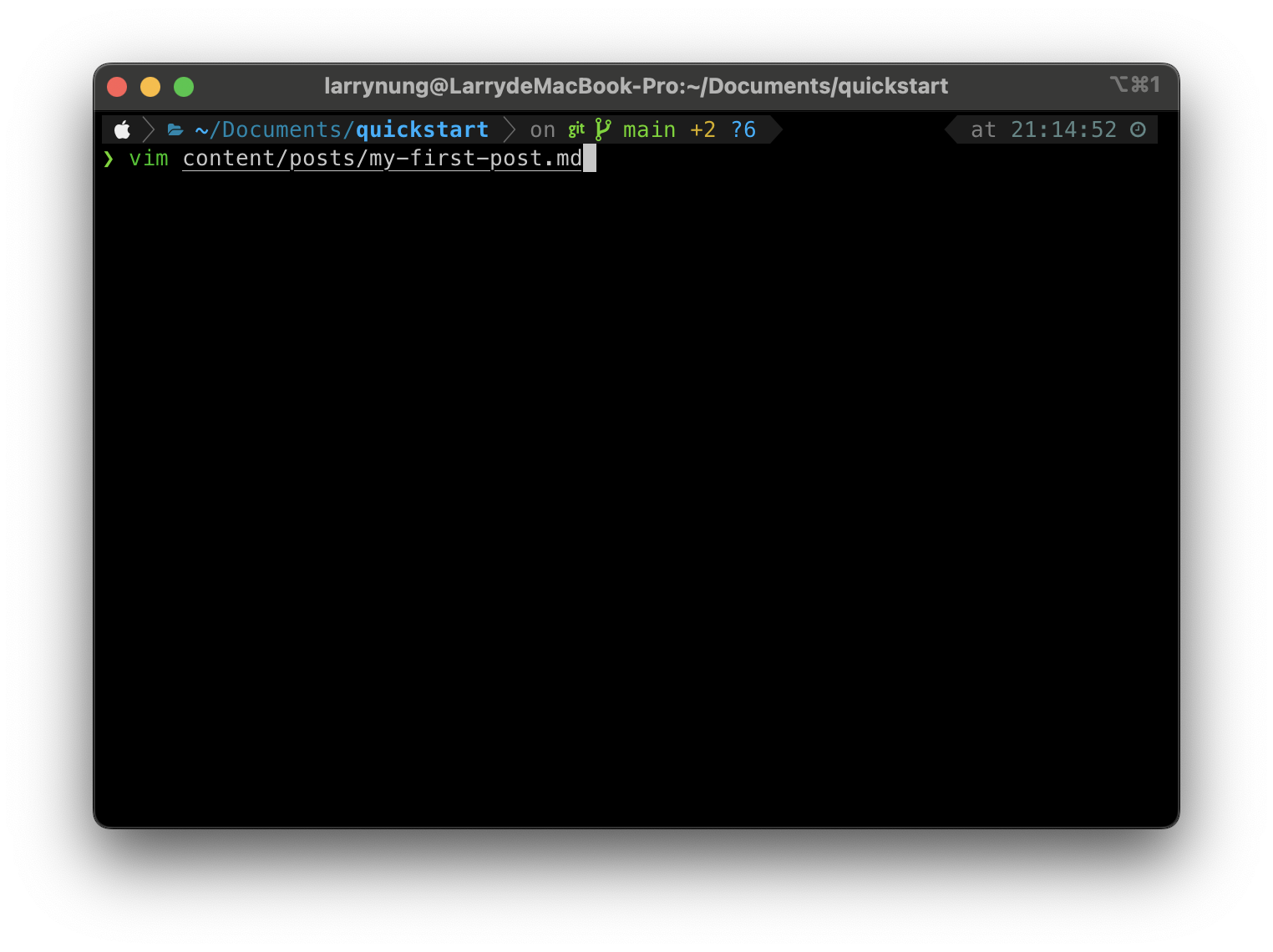
開啟建立的 Hugo 文章檔案進行文章的撰寫。
vim content/posts/[postfilename].md
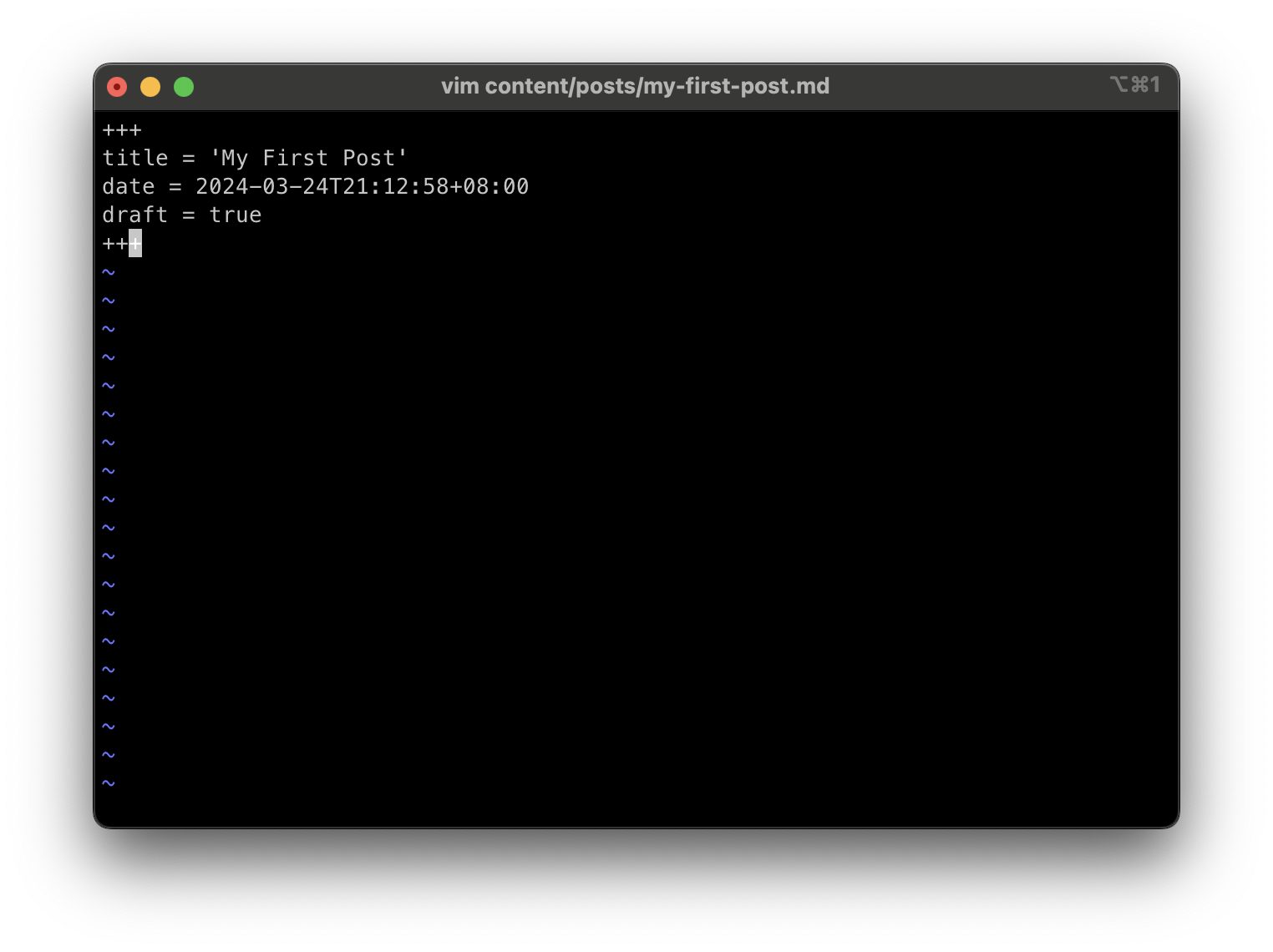
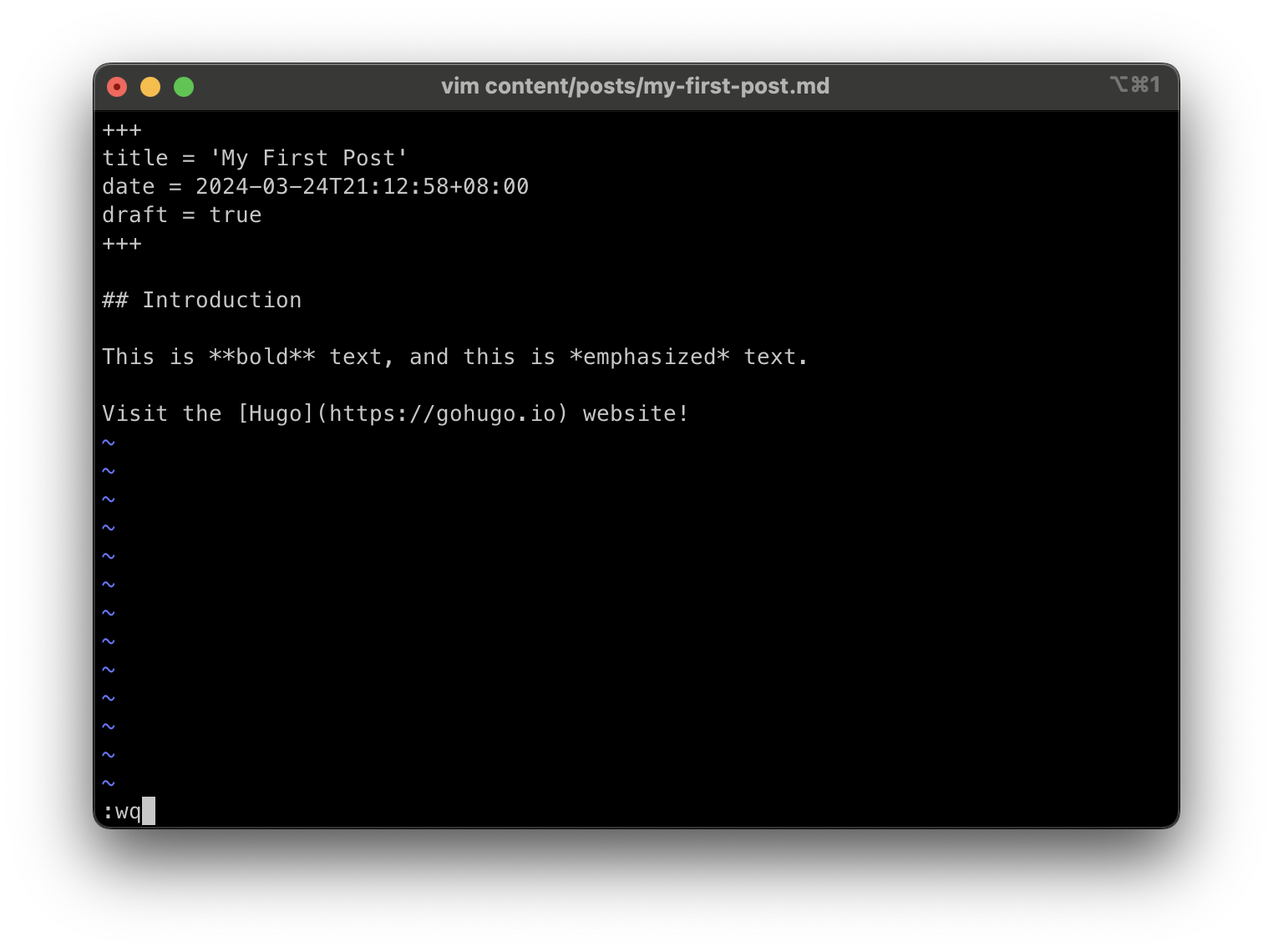
文章撰寫完成可透過 Hugo 的 server 命令,帶入 –buildDrafts 或 -D 參數啟動 Hugo 站台,表示文章在草稿階段也要呈現。
hugo server --buildDrafts
hugo server -D
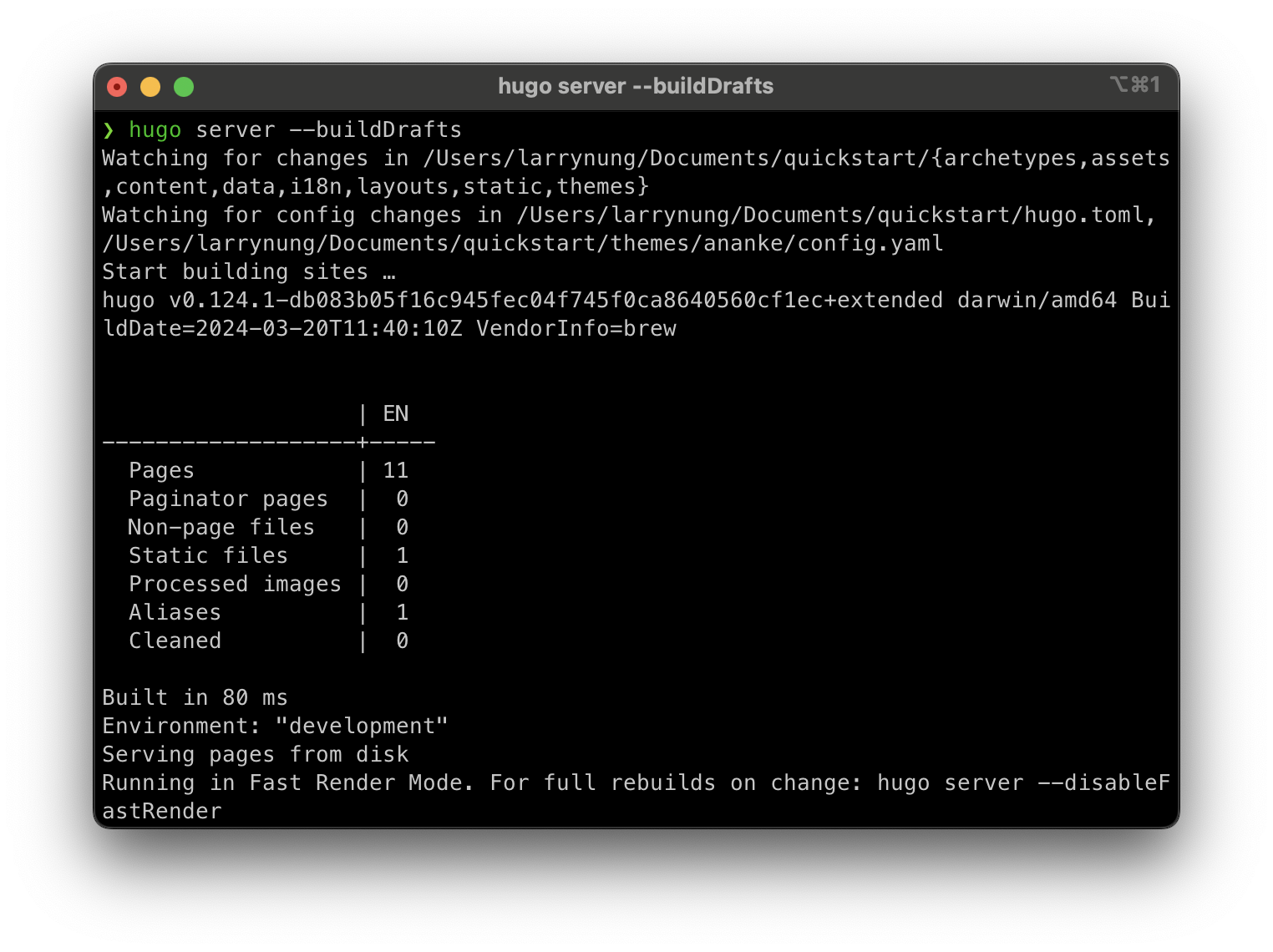
透過瀏覽器瀏覽 http://localhost:1313/ 即可看到 Hugo 站台運行後的樣子,Hugo 站台內會有剛撰寫的 Hugo 文章。