Hubot 安裝環境內需先有 Node.js,然後透過 Node.js 套件管理工具安裝 Yeoman 與 Hubot 到全域。
npm install -g yo generator-hubot
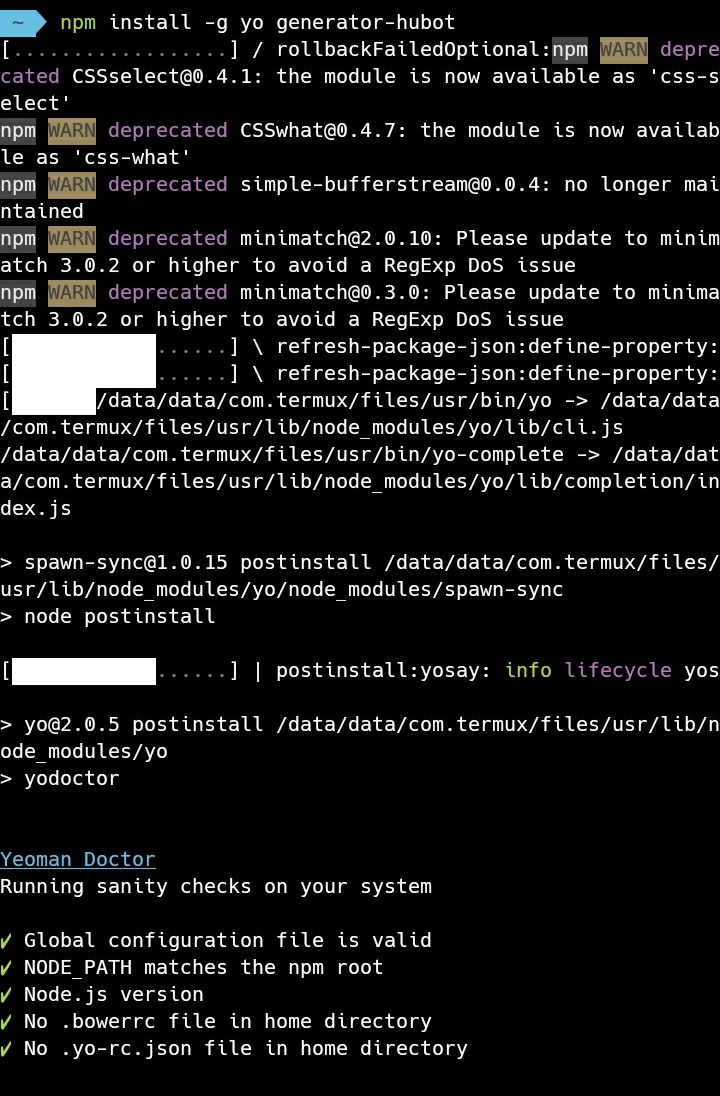
透過 Yeoman 建立 Hubot 專案。
yo hubot
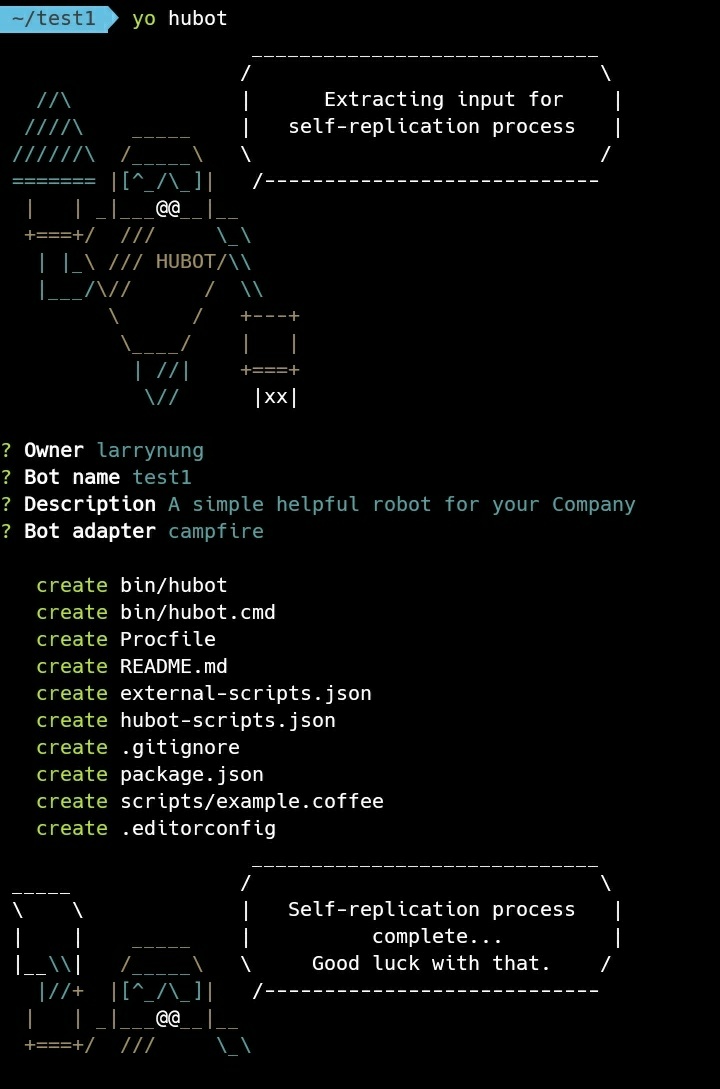
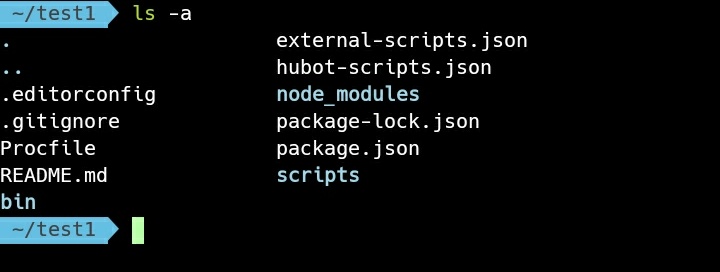
Hubot 專案建立後會幫我們產生必要的檔案。
ls -a
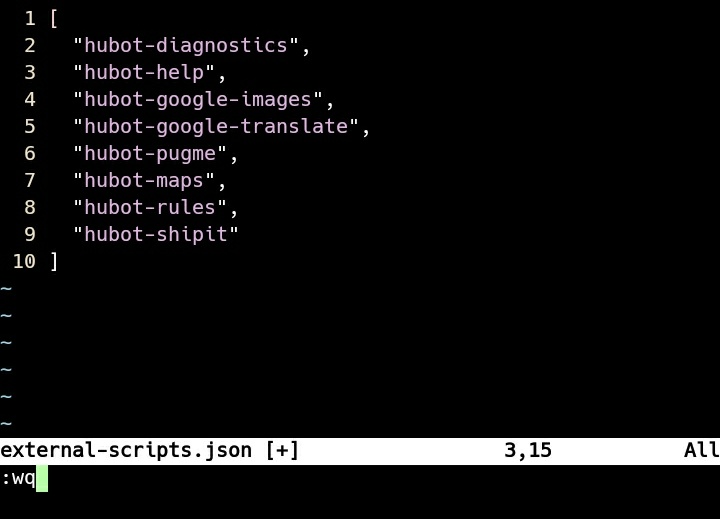
一開始我們只是簡單的測試,不需要使用 Redis 與 Heroku,所以開啟 external-scripts.json 設定檔。
vim external-scripts.json

將 Redis 與 Heroku 設定移除後存檔。
另外可以移除 hubot-scripts.json 設定檔,避免後面操作因為空的設定看到警告訊息。
rm hubot-scripts.json

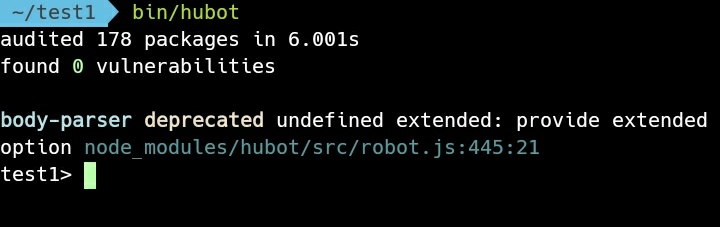
運行 Hubot。
bin/hubot
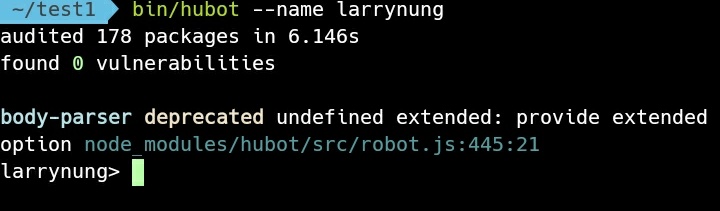
運行時可用參數 –Name 為 Hubot 命名。
bin/hubot –name
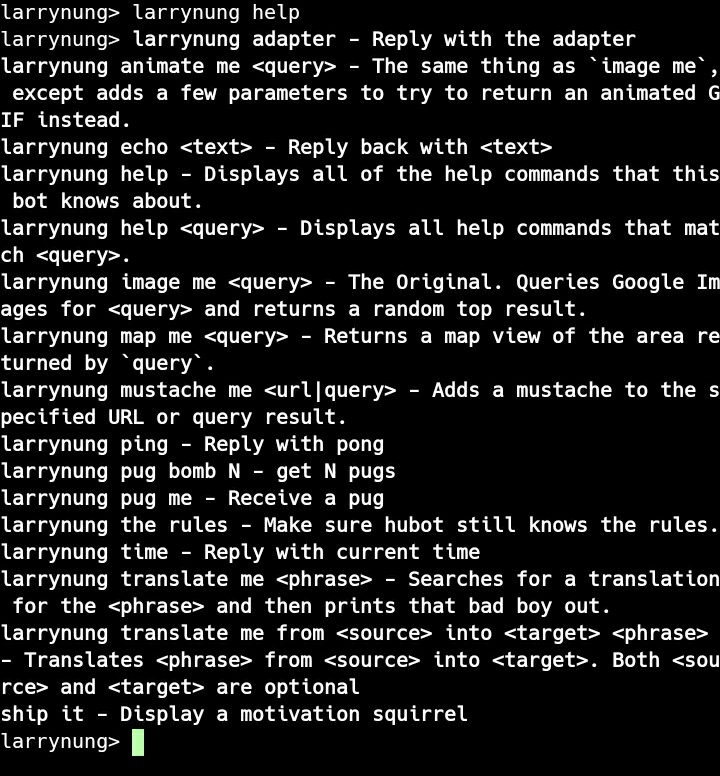
Hubot 啟動後可用一下基本指令,像是 help 指令可查詢可使用的指令。
help
ping 指令可測試回應。
ping

time 指令可查詢時間。
time

echo 指令可回送發送過去的訊息。
echo
