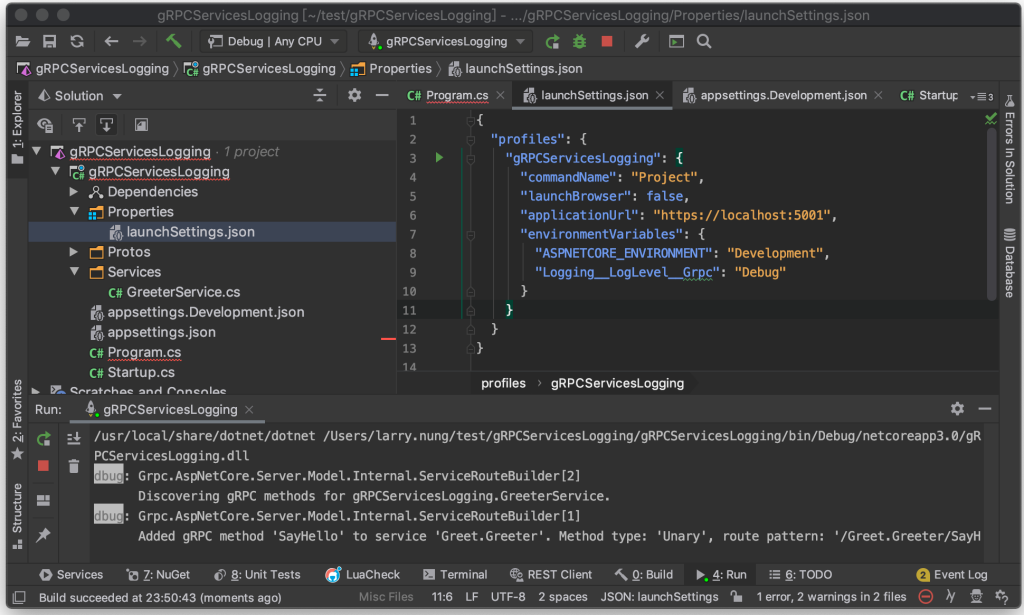
gRPC Service 內建的 log 可透過 appsettings.json 控制 log 層級。
預設為 Information 層級。
{
"Logging": {
"LogLevel": {
"Default": "Debug",
"System": "Information",
"Grpc": "Information",
"Microsoft": "Information"
}
}
}
所以 gRPC service 運行起來會看到 Info 或是 Warn 層級的 Log 輸出。
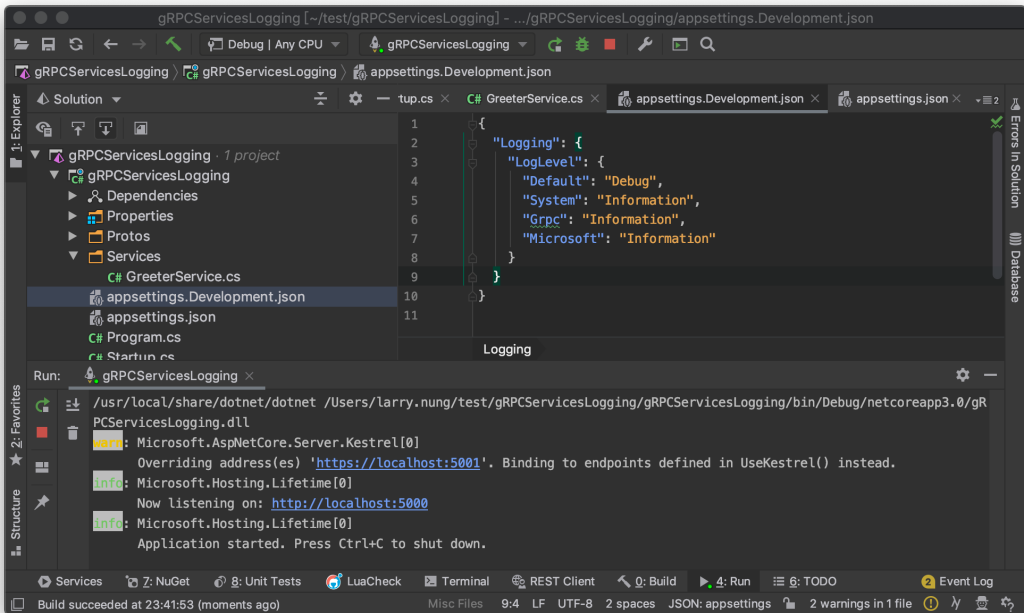
若是調整為 Debug 層級,可看到像是哪個 gRPC method 被調用,以及是哪個 Method type 這樣的細部資訊。
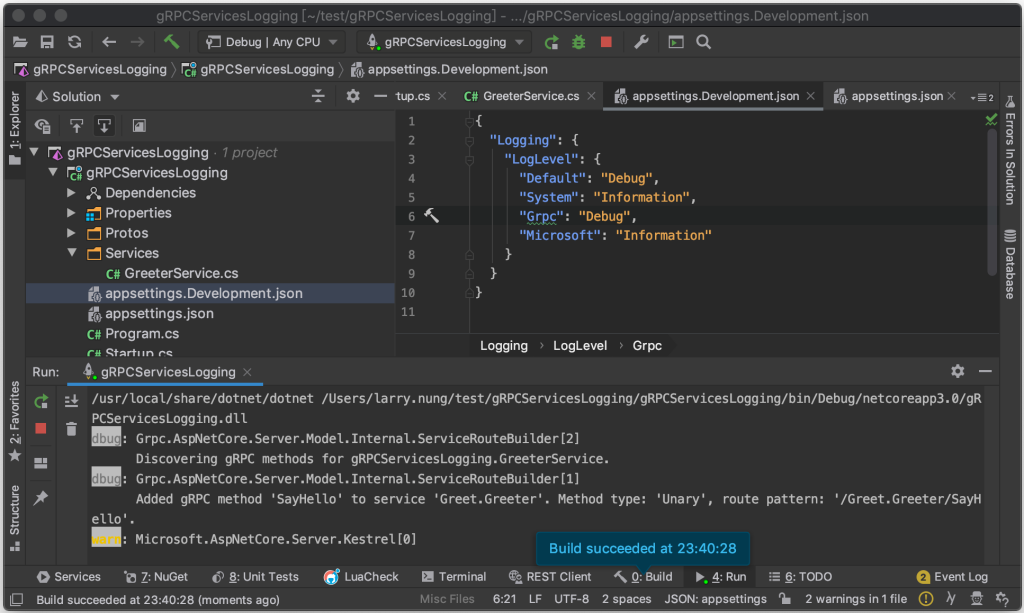
除了用 appsettings.json 設定,也可以在建立 HostBuilder 時設定。
...
    public class Program
    {
        ...
        public static IHostBuilder CreateHostBuilder(string[] args) =>
            Host.CreateDefaultBuilder(args)
                .ConfigureLogging(logging =>
                {
                    logging.AddFilter("Grpc", LogLevel.Debug);
                })
                .ConfigureWebHostDefaults(webBuilder =>
                {
                    webBuilder.ConfigureKestrel(options =>
                    {
                        // Setup a HTTP/2 endpoint without TLS.
                        options.ListenLocalhost(5000, o => o.Protocols =
                            HttpProtocols.Http2);
                    });
                    webBuilder.UseStartup<Startup>();
                });
    }
...
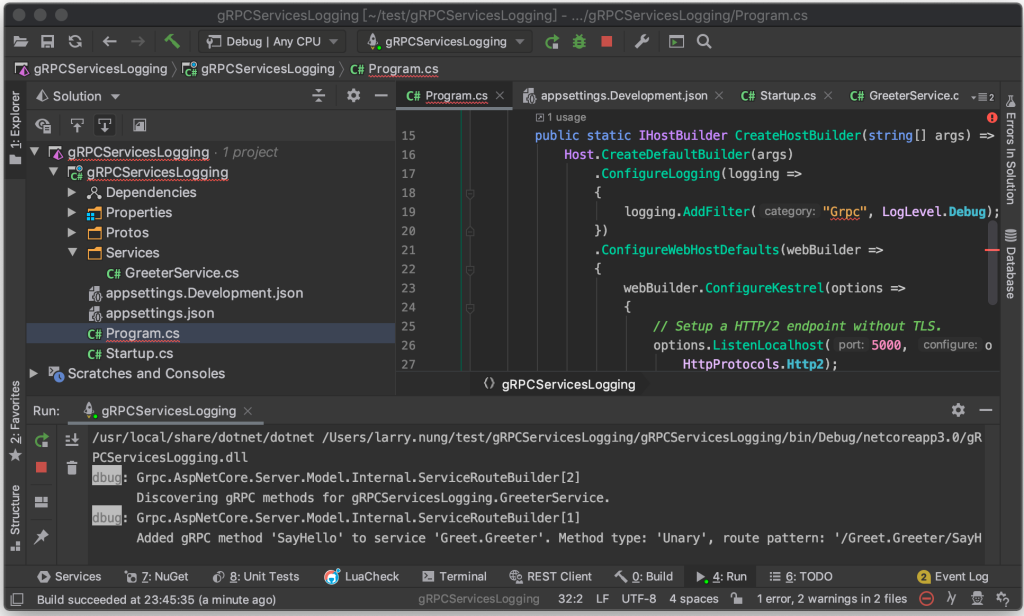
或是透過 Logging__LogLevel__Grpc 環境變數設定也可以。
{
"profiles": {
"gRPCServicesLogging": {
"commandName": "Project",
"launchBrowser": false,
"applicationUrl": "https://localhost:5001",
"environmentVariables": {
"ASPNETCORE_ENVIRONMENT": "Development",
"Logging__LogLevel__Grpc": "Debug"
}
}
}
}