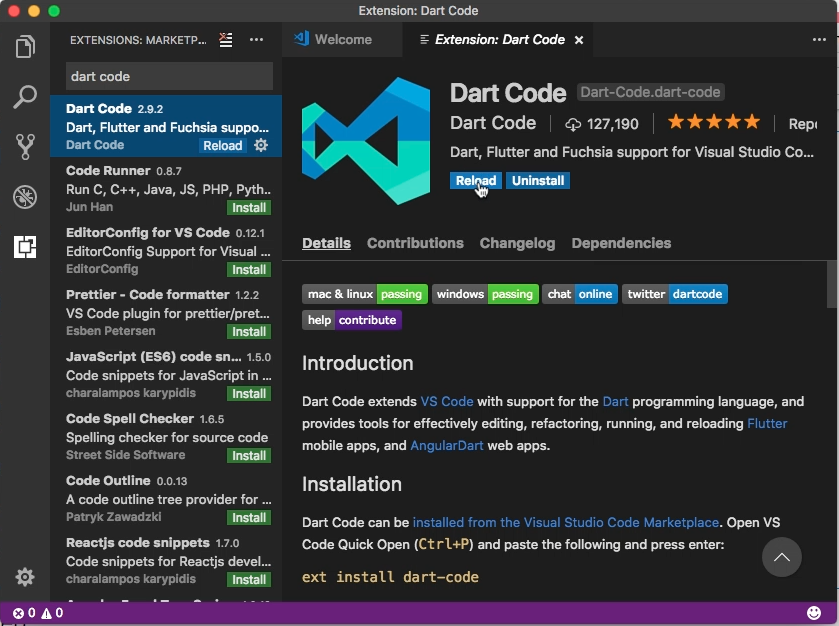
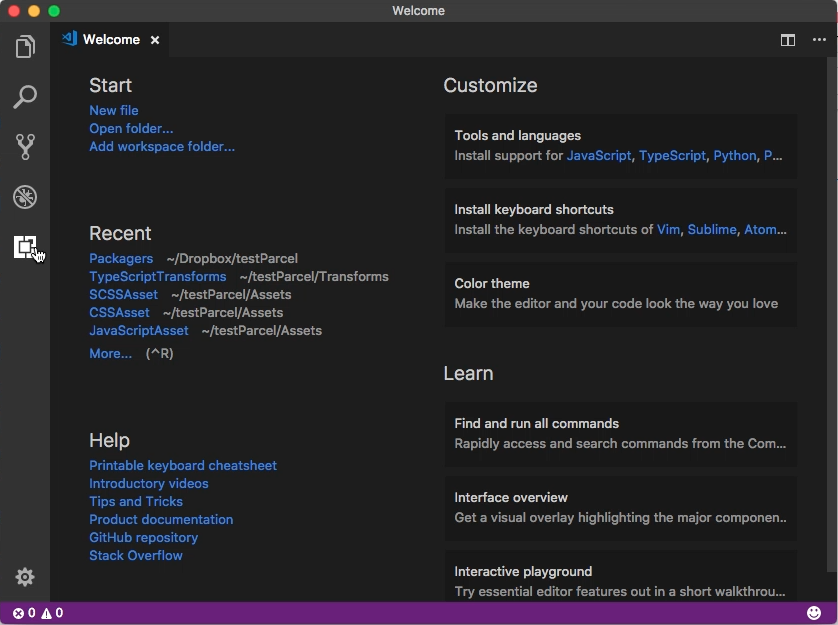
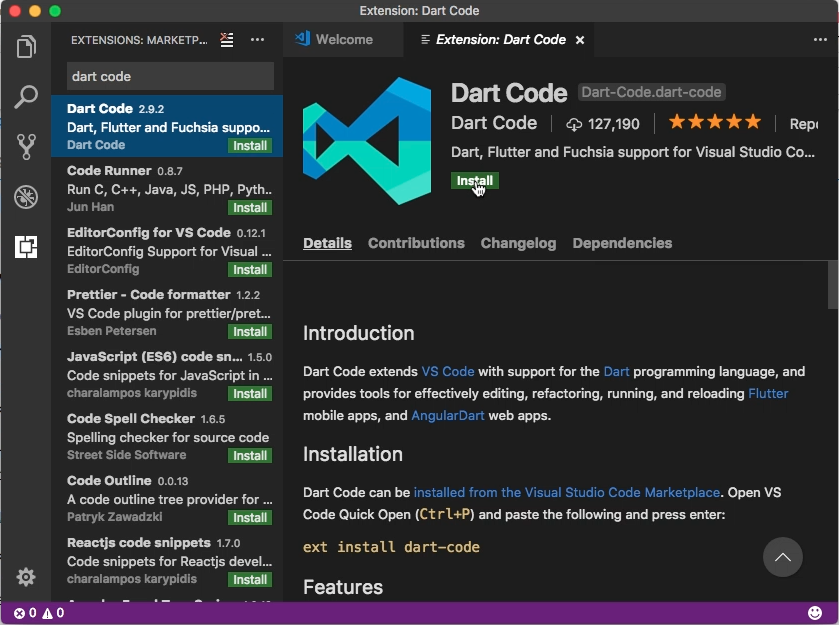
要在 VS Code 運行 Flutter,需先安裝 Dart Code 套件。
Flutter - Getting started with VS Code

Flutter - Getting started with VS Code

安裝完後重啟 VS Code。

Flutter - Getting started with VS Code

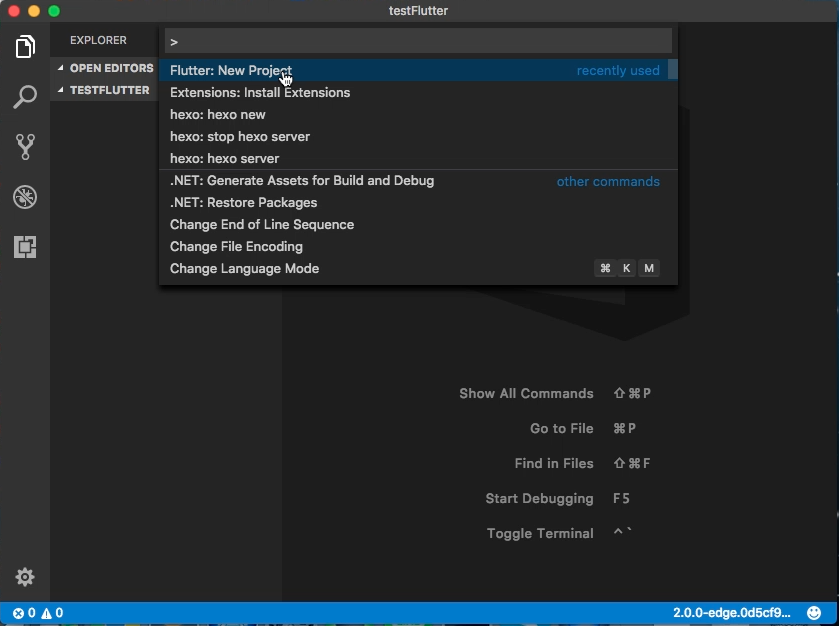
使用 Command Palette 調用 Flutter: New Project。
Flutter - Getting started with VS Code

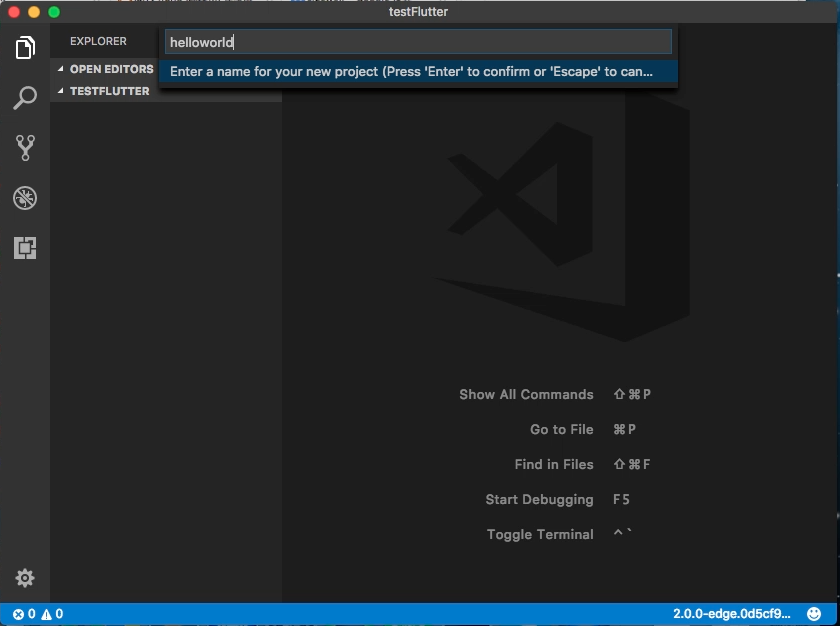
輸入 Flutter 專案名稱(專案的名稱必須要全小寫)後按下 Enter 建繼續。
Flutter - Getting started with VS Code

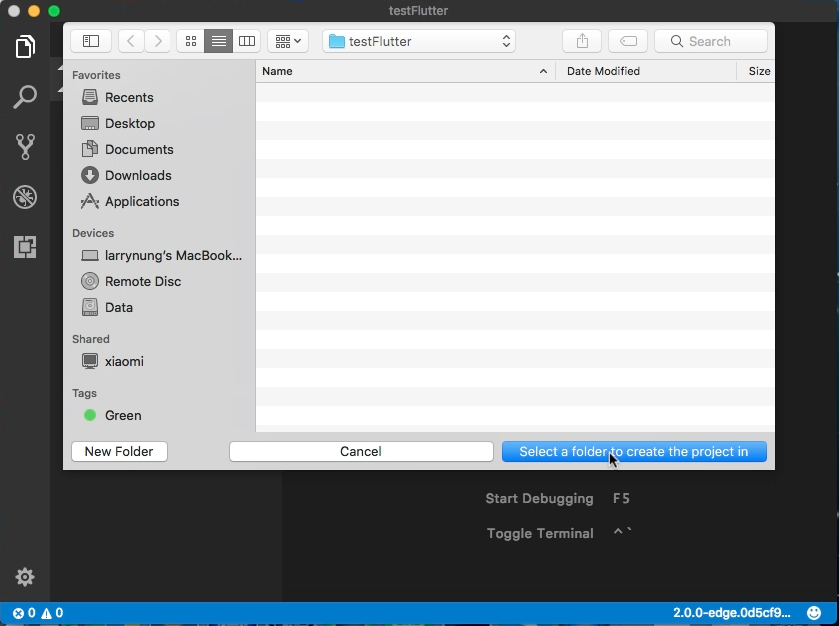
選取專案要放置的位置。

Flutter - Getting started with VS Code

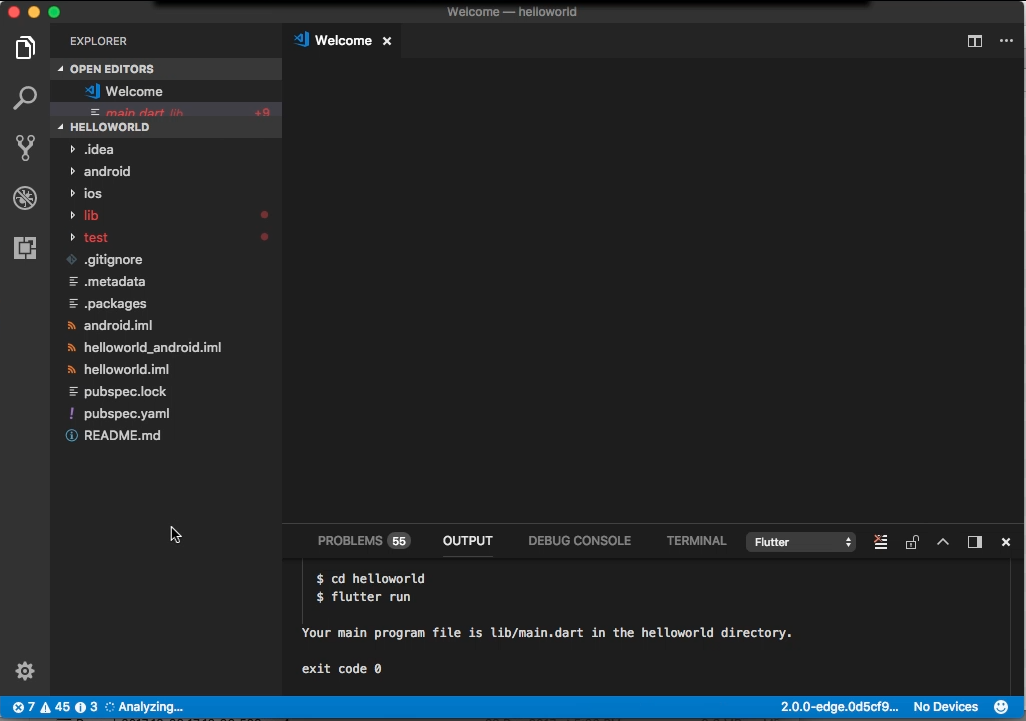
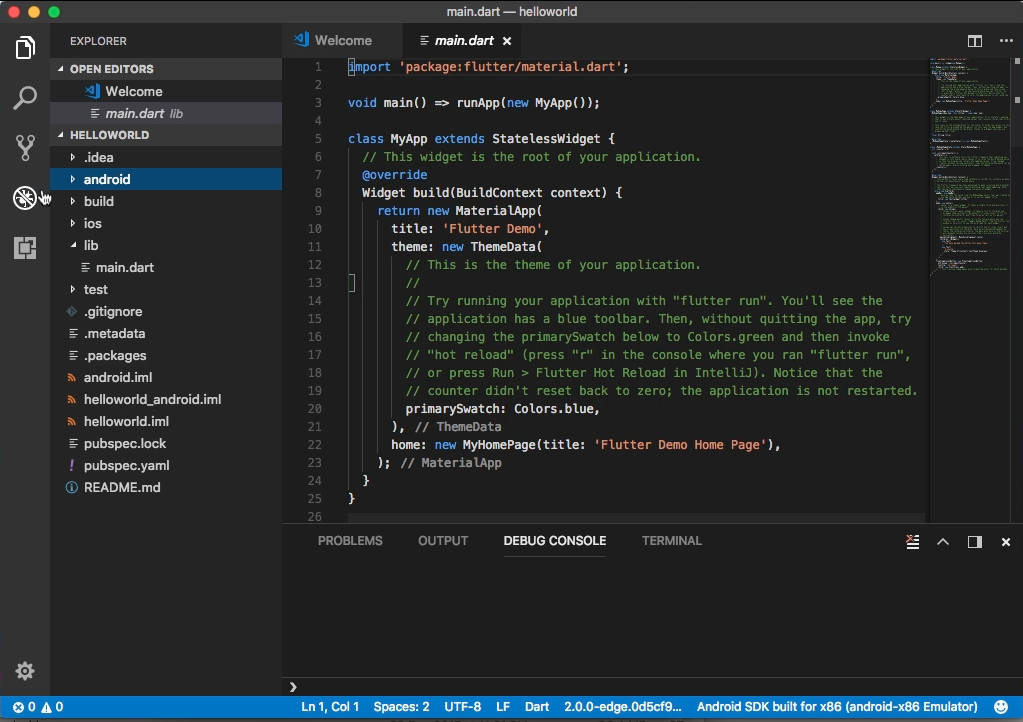
Flutter 專案即會被建立在指定的位置。

Flutter - Getting started with VS Code

接著進行除錯上的設定。

Flutter - Getting started with VS Code

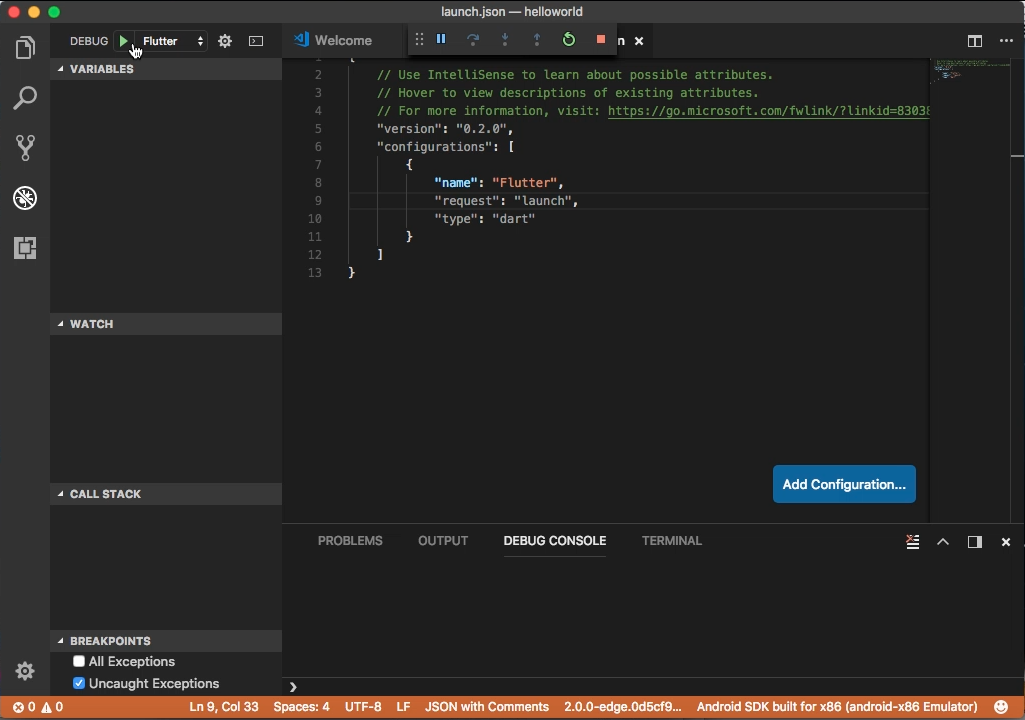
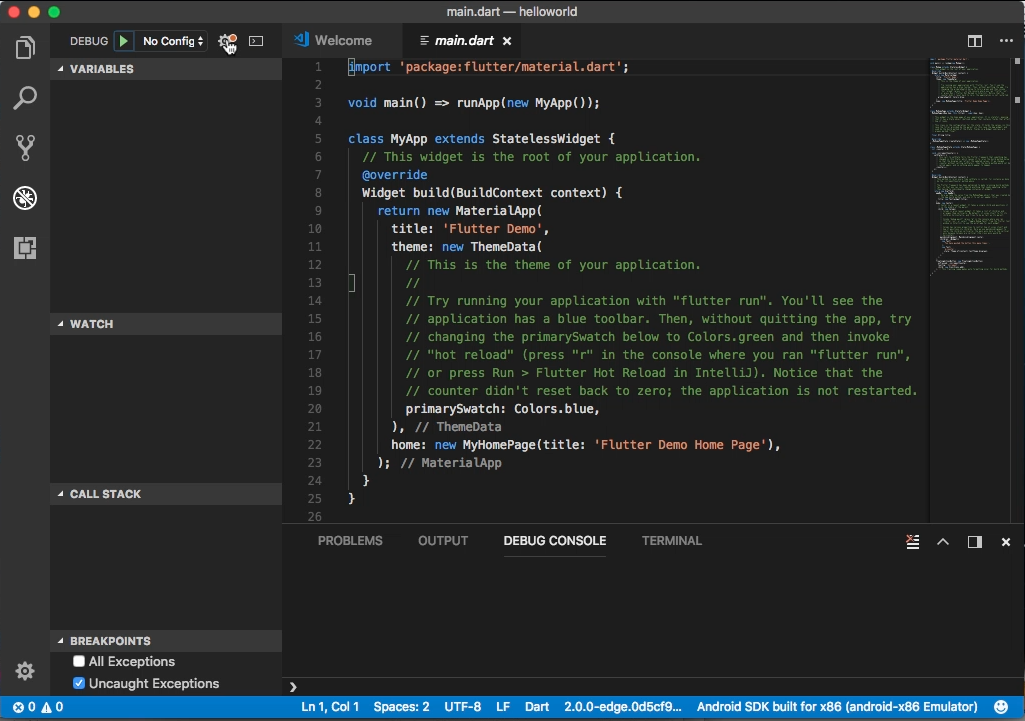
點選 Open launch.json,VS Code 會幫我們自動產生對應的 launch.json 檔。
Flutter - Getting started with VS Code

點選 Start Debugging 按鈕。

Flutter - Getting started with VS Code

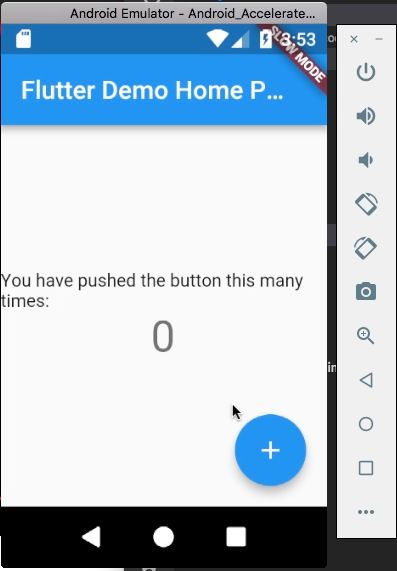
即會進入 Flutter 專案的除錯。

Flutter - Getting started with VS Code