使用 DotLiquid 做範本渲染時,如果需要使用到自訂型別當作參數,自訂型別可加掛 LiquidTypeAttribute 指定範本會使用到的屬性。
using System;

namespace DotLiquid.LiquidType.Model
{
[LiquidType(nameof(Person.Id), nameof(Person.Name), nameof(Person.NickName))]
public class Person
{
public string Id { get; set; }
public string Name { get; set; }
public string NickName { get; set; }

public Person()
{

}

public Person(string name)
{
this.Id = Guid.NewGuid().ToString();
this.Name = name;
this.NickName = name;
}
}
}
加掛 Attribute 後範本就可以使用自訂型別來渲染。
{% for person in persons -%}
hi {{person.NickName}}({{person.Id}}, {{person.Name}})~
{% endfor -%}
渲染時注意要設定使用 CSharpNamingConvention,不然會使用到 Ruby 的命名規則,設定的屬性名稱會被轉為小寫且用底線隔開,會找不到對應的屬性。
...
Template.NamingConvention = new NamingConventions.CSharpNamingConvention();
...
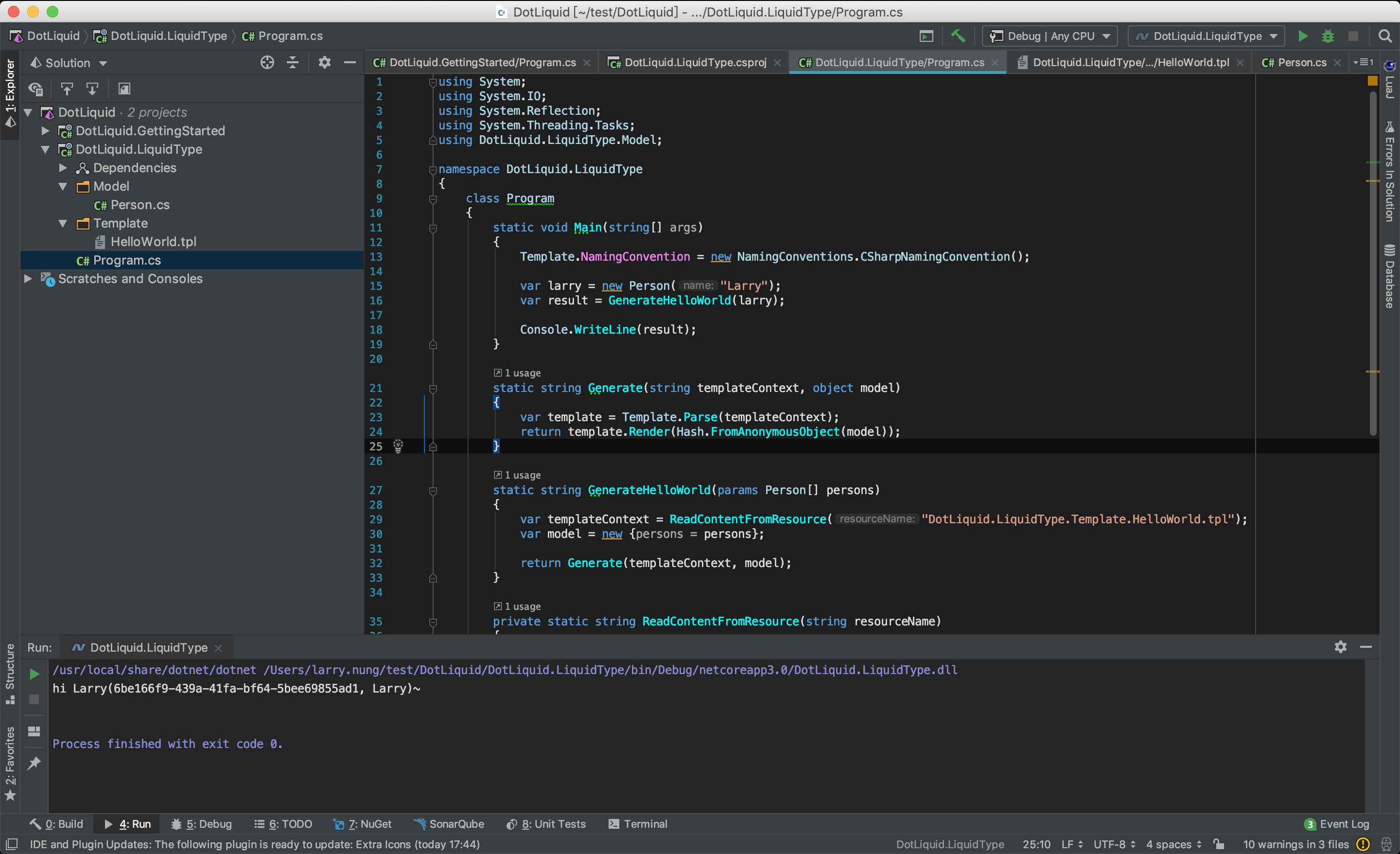
整個程式寫起來會像下面這樣:
using System;
using System.IO;
using System.Reflection;
using System.Threading.Tasks;
using DotLiquid.LiquidType.Model;

namespace DotLiquid.LiquidType
{
    class Program
    {
        static void Main(string[] args)
        {
            Template.NamingConvention = new NamingConventions.CSharpNamingConvention();

            var larry = new Person("Larry");
            var result = GenerateHelloWorld(larry);

            Console.WriteLine(result);
        }

        static string Generate(string templateContext, object model)
        {
            var template = Template.Parse(templateContext);
            return template.Render(Hash.FromAnonymousObject(model));
        }

        static string GenerateHelloWorld(params Person[] persons)
        {
            var templateContext = ReadContentFromResource("DotLiquid.LiquidType.Template.HelloWorld.tpl");
            var model = new {persons = persons};

            return Generate(templateContext, model);
        }

        private static string ReadContentFromResource(string resourceName)
        {
            return ReadContentFromResourceAsync(resourceName).Result;
        }


        private static async Task<string> ReadContentFromResourceAsync(string resourceName)
        {
            var assembly = Assembly.GetExecutingAssembly();
            using (var stream = assembly.GetManifestResourceStream(resourceName))
            using (var reader = new StreamReader(stream))
            {
                return await reader.ReadToEndAsync();
            }
        }
    }
}
Link