Common.Logging 是一 Log 元件,提供 Log 的抽象接口介面,以及許多不同的實作,支援 Log4net,Nlog,Microsoft Enterprise Library logging,Microsoft Application Insights,Microsoft Event Tracing for Windows,及 Serilog。
使用上大概分為四個步驟,第一要安裝 Common.Logging 與 Adapter 的套件,接著要設定 Common.Logging,再來是設定 Adapter 的設定,最後就可以透過 Common.Logging 將 Log 寫入。

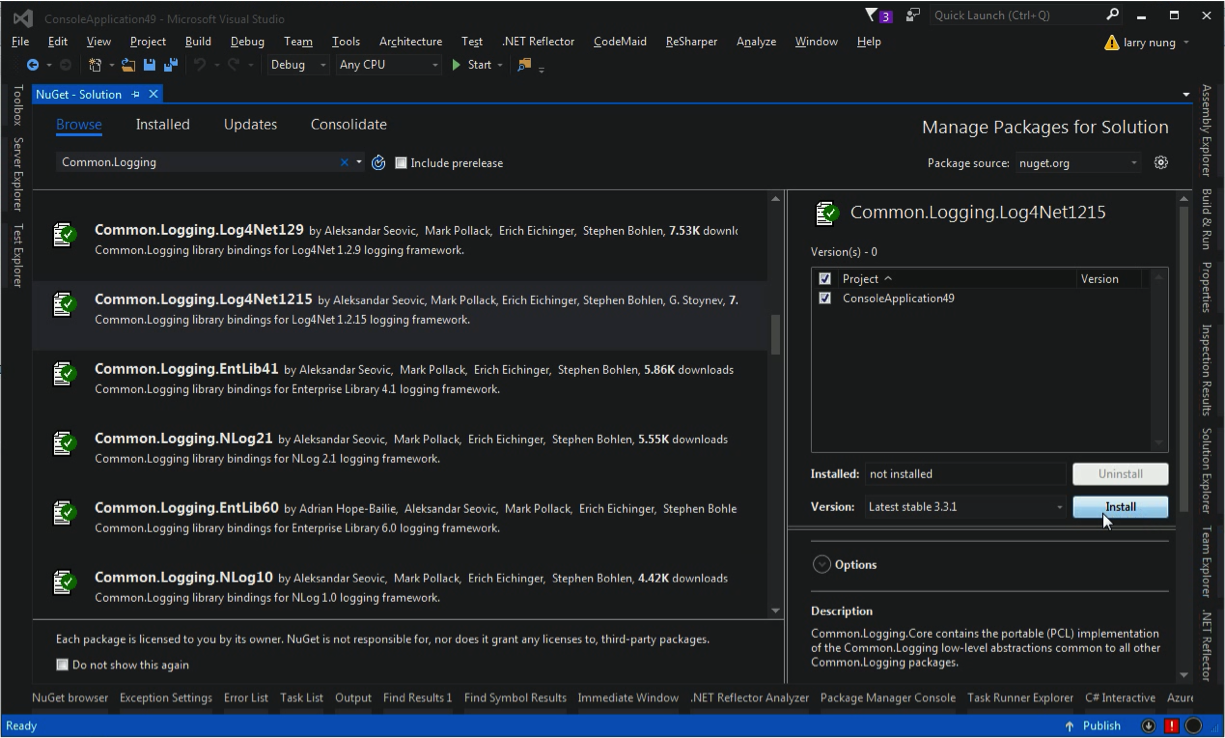
Common.Logging 的套件透過 NuGet 安裝即可,這邊也可以直接安裝 Adapter 套件,像是要用 Log4Net 來寫 Log 的話,可以直接安裝 Common.Logging.Log4Net1215 這個套件。

套件安裝完後要設定 Common.Logging,開啟設定檔設定 common 的 section group,在 common 的 section group 這邊要設定 Adapter 以及其參數,像這邊指定使用 Log4Net 的 Adapter 去處理 Log,指定並監控 Adapter 的設定檔 log4net.config。
<?xml version="1.0" encoding="utf-8" ?>
<configuration>
    <configSections>
        <sectionGroup name="common">
            <section name="logging" type="Common.Logging.ConfigurationSectionHandler, Common.Logging" />
        </sectionGroup>
    </configSections>

    <common>
        <logging>
            <factoryAdapter type="Common.Logging.Log4Net.Log4NetLoggerFactoryAdapter, Common.Logging.Log4net1215">
                <!--<arg key="configType" value="INLINE" />-->
                <!--<arg key="configType" value="FILE" />-->
                <arg key="configType" value="FILE-WATCH" />
                <arg key="configFile" value="~/log4net.config" />
            </factoryAdapter>
        </logging>
    </common>
</configuration>
接著設定 Log4Net 設定檔。
<?xml version="1.0" encoding="utf-8" ?>
<log4net>
<appender name="FullAppender" type="log4net.Appender.RollingFileAppender">
<file type="log4net.Util.PatternString" value="Log\Full.log" />
<appendToFile value="true" />
<rollingStyle value="Composite" />
<datePattern value="yyyyMMdd" />
<maximumFileSize value="10MB" />
<maxSizeRollBackups value="-1" />
<CountDirection value="1" />
<layout type="log4net.Layout.PatternLayout">
<conversionPattern value="%date	[%thread]	%level	%logger	%identity	- %message%newline" />
</layout>
</appender>
<root>
<level value="INFO" />
<appender-ref ref="FullAppender" />
</root>
</log4net>
最後在程式中加入撰寫 Log 的程式:
using Common.Logging;
...
var logger = LogManager.GetLogger<Program>();
logger.Info("Hello World!");
...
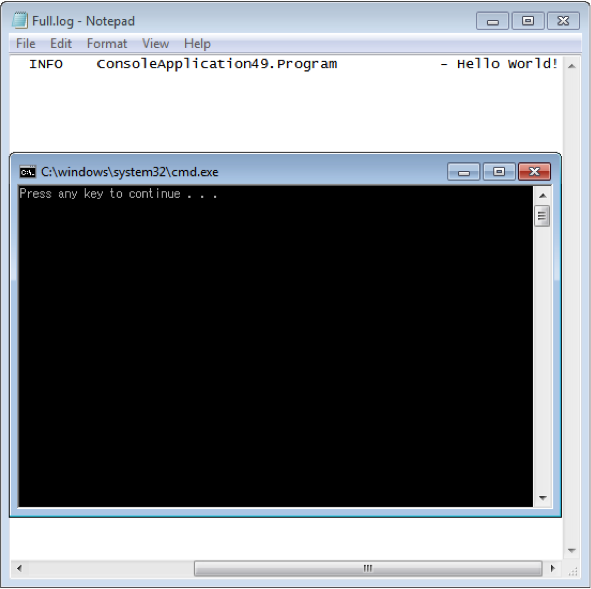
沒意外的話 Log 應該就會正常運作了。