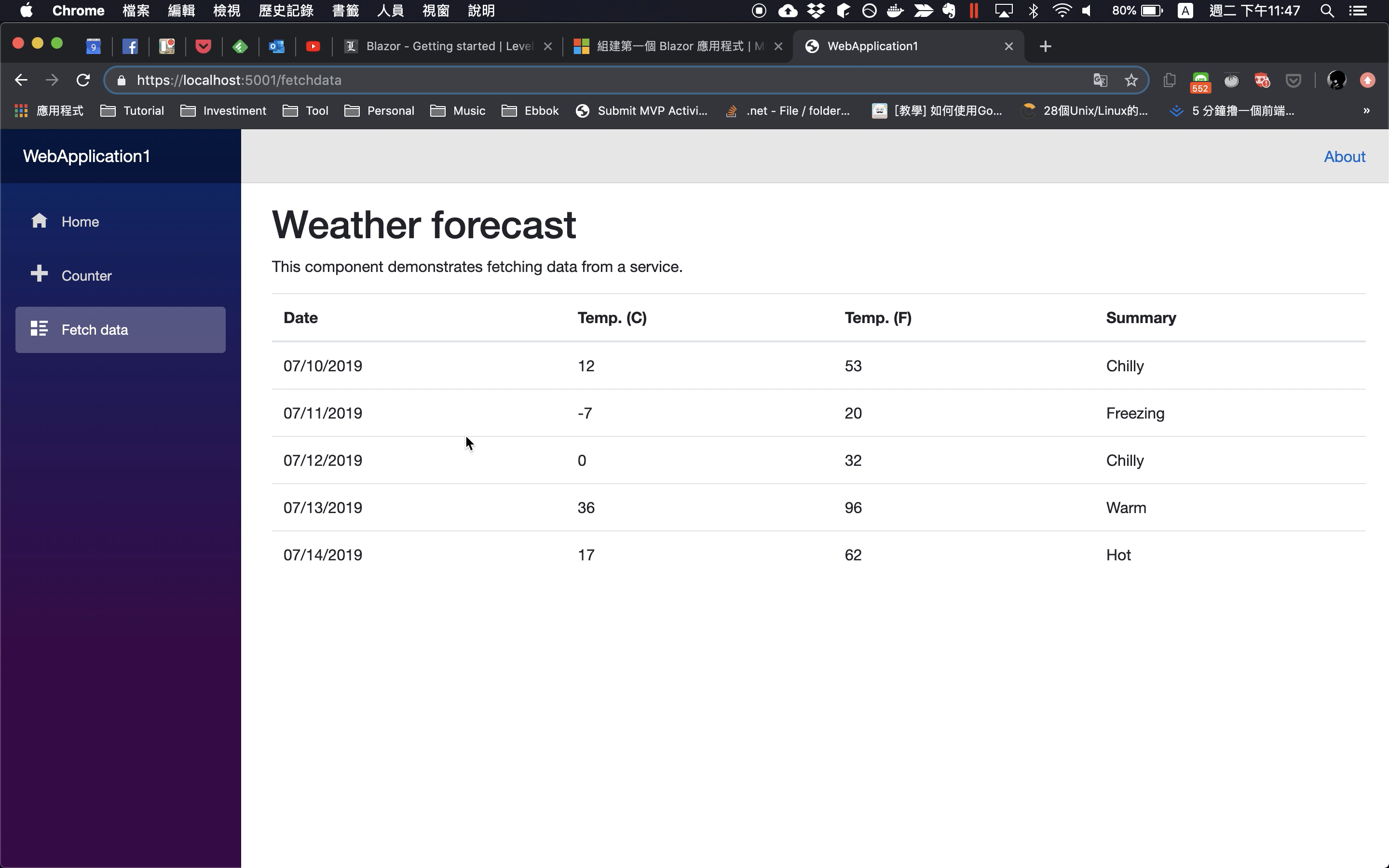
Blazor component 若需要使用 Service,可透過 DI 注入。
像是 Blazor 範本內就有一個 Service。
using System;
using System.Linq;
using System.Threading.Tasks;


namespace WebApplication1.Data
{
    public class WeatherForecastService
    {
        private static string[] Summaries = new[]
        {
            "Freezing", "Bracing", "Chilly", "Cool", "Mild", "Warm", "Balmy", "Hot", "Sweltering", "Scorching"
        };


        public Task<WeatherForecast[]> GetForecastAsync(DateTime startDate)
        {
            var rng = new Random();
            return Task.FromResult(Enumerable.Range(1, 5).Select(index => new WeatherForecast
            {
                Date = startDate.AddDays(index),
                TemperatureC = rng.Next(-20, 55),
                Summary = Summaries[rng.Next(Summaries.Length)]
            }).ToArray());
        }
    }
}
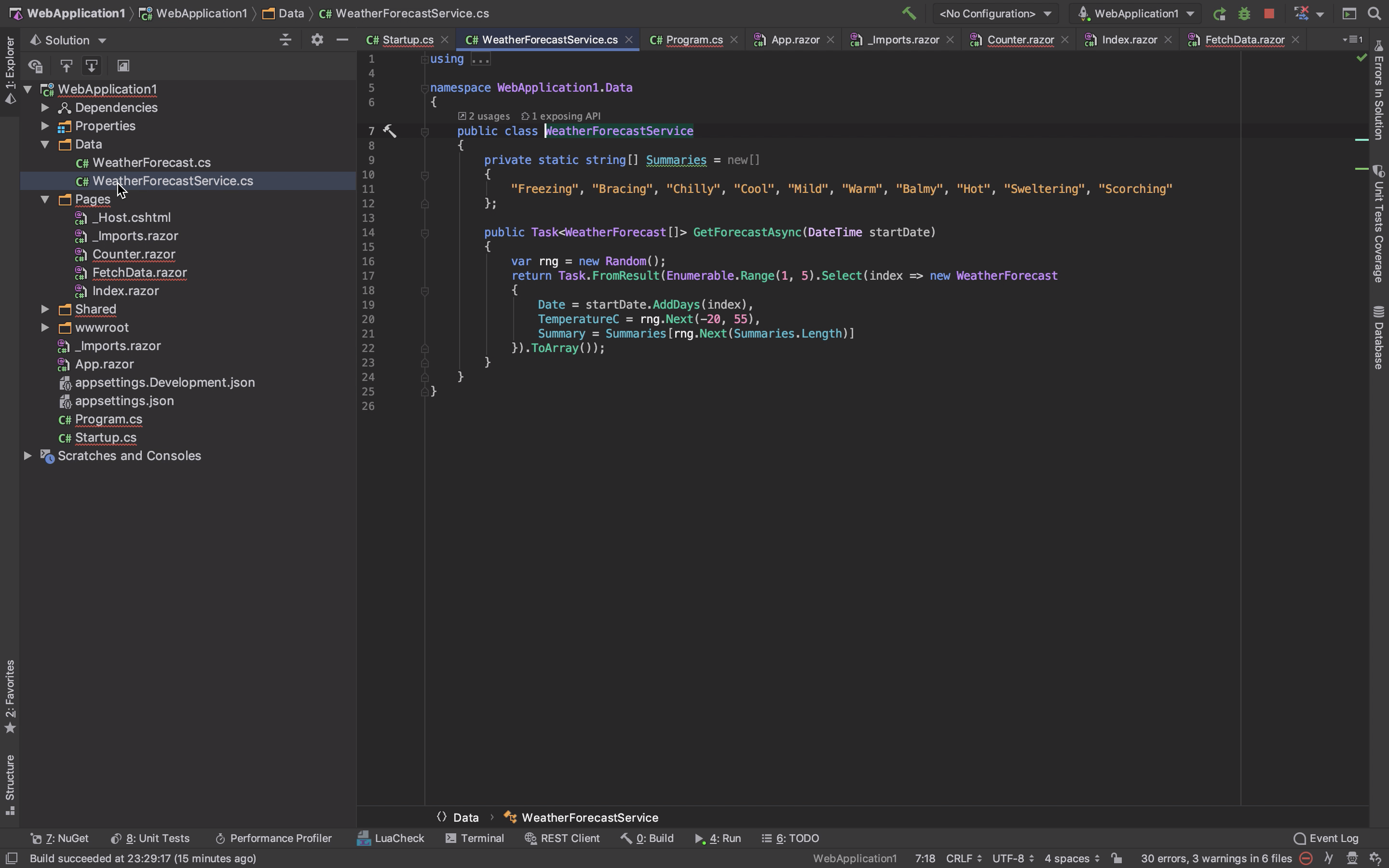
這個 Service 會在 Startup.ConfigureServices 這邊加入,指定為 Singleton 的 Service。
public class Startup
{
    ...
    public void ConfigureServices(IServiceCollection services)
    {
        services.AddSingleton<WeatherForecastService>();
    }
    ...
}
using System;
using System.Collections.Generic;
using System.Linq;
using System.Threading.Tasks;
using Microsoft.AspNetCore.Builder;
using Microsoft.AspNetCore.Hosting;
using Microsoft.AspNetCore.HttpsPolicy;
using Microsoft.Extensions.Configuration;
using Microsoft.Extensions.DependencyInjection;
using Microsoft.Extensions.Hosting;
using WebApplication1.Data;


namespace WebApplication1
{
    public class Startup
    {
        public Startup(IConfiguration configuration)
        {
            Configuration = configuration;
        }


        public IConfiguration Configuration { get; }


        // This method gets called by the runtime. Use this method to add services to the container.
        // For more information on how to configure your application, visit https://go.microsoft.com/fwlink/?LinkID=398940
        public void ConfigureServices(IServiceCollection services)
        {
            services.AddRazorPages();
            services.AddServerSideBlazor();
            services.AddSingleton<WeatherForecastService>();
        }


        // This method gets called by the runtime. Use this method to configure the HTTP request pipeline.
        public void Configure(IApplicationBuilder app, IWebHostEnvironment env)
        {
            if (env.IsDevelopment())
            {
                app.UseDeveloperExceptionPage();
            }
            else
            {
                app.UseExceptionHandler("/Home/Error");
                // The default HSTS value is 30 days. You may want to change this for production scenarios, see https://aka.ms/aspnetcore-hsts.
                app.UseHsts();
            }


            app.UseHttpsRedirection();
            app.UseStaticFiles();


            app.UseRouting();


            app.UseEndpoints(endpoints =>
            {
                endpoints.MapBlazorHub();
                endpoints.MapFallbackToPage("/_Host");
            });
        }
    }
}
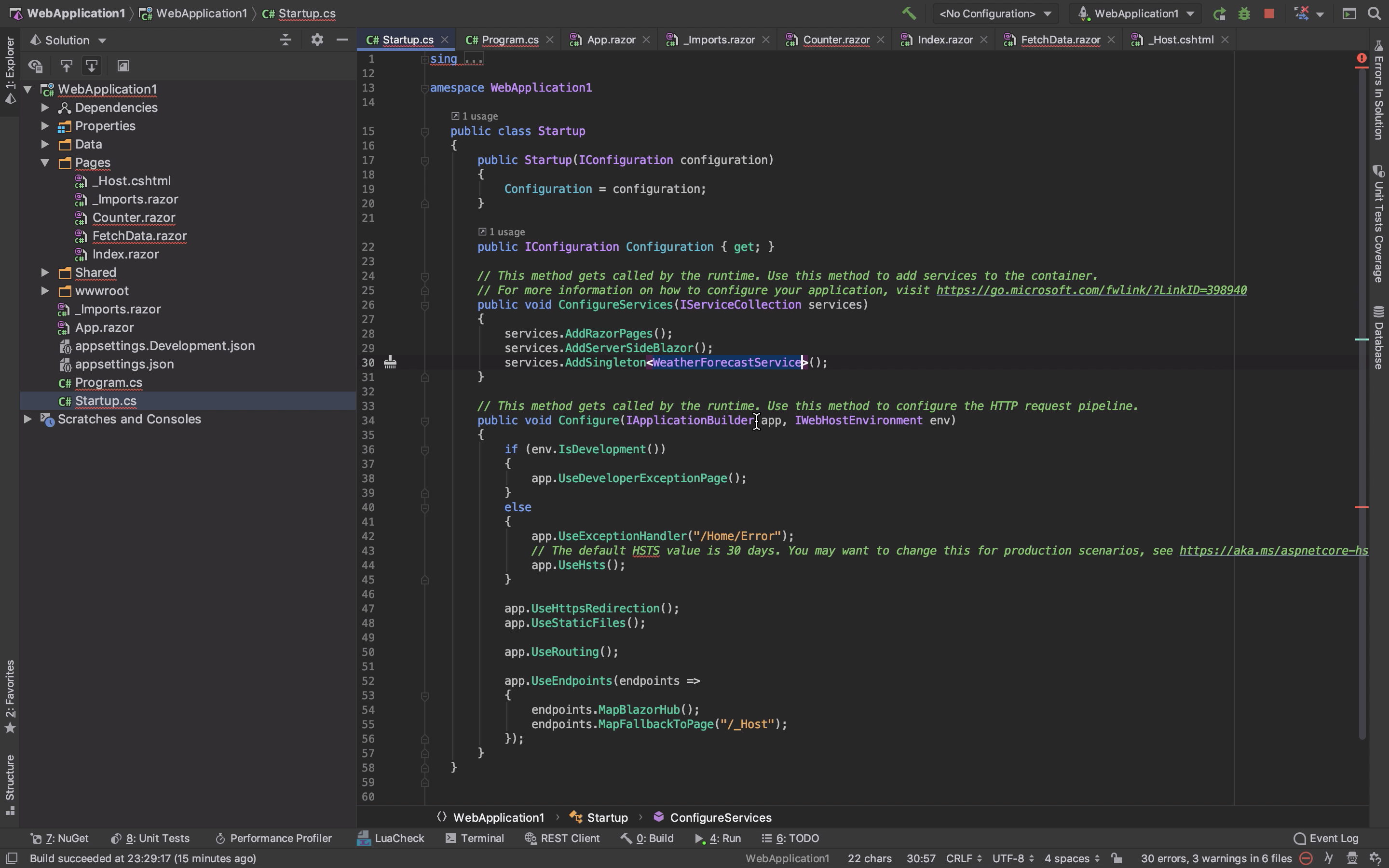
然後在 Blazor component 中透過 @inject directive 注進 Service。
@inject WeatherForecastService ForecastService
...
@code {
    ...
    protected override async Task OnInitAsync()
    {
        forecasts = await ForecastService.GetForecastAsync(DateTime.Now);
    }
}
@page "/fetchdata"
@using WebApplication1.Data
@inject WeatherForecastService ForecastService


<h1>Weather forecast</h1>


<p>This component demonstrates fetching data from a service.</p>


@if (forecasts == null)
{
    <p><em>Loading...</em></p>
}
else
{
    <table class="table">
        <thead>
            <tr>
                <th>Date</th>
                <th>Temp. (C)</th>
                <th>Temp. (F)</th>
                <th>Summary</th>
            </tr>
        </thead>
        <tbody>
            @foreach (var forecast in forecasts)
            {
                <tr>
                    <td>@forecast.Date.ToShortDateString()</td>
                    <td>@forecast.TemperatureC</td>
                    <td>@forecast.TemperatureF</td>
                    <td>@forecast.Summary</td>
                </tr>
            }
        </tbody>
    </table>
}


@code {
    WeatherForecast[] forecasts;


    protected override async Task OnInitAsync()
    {
        forecasts = await ForecastService.GetForecastAsync(DateTime.Now);
    }
}
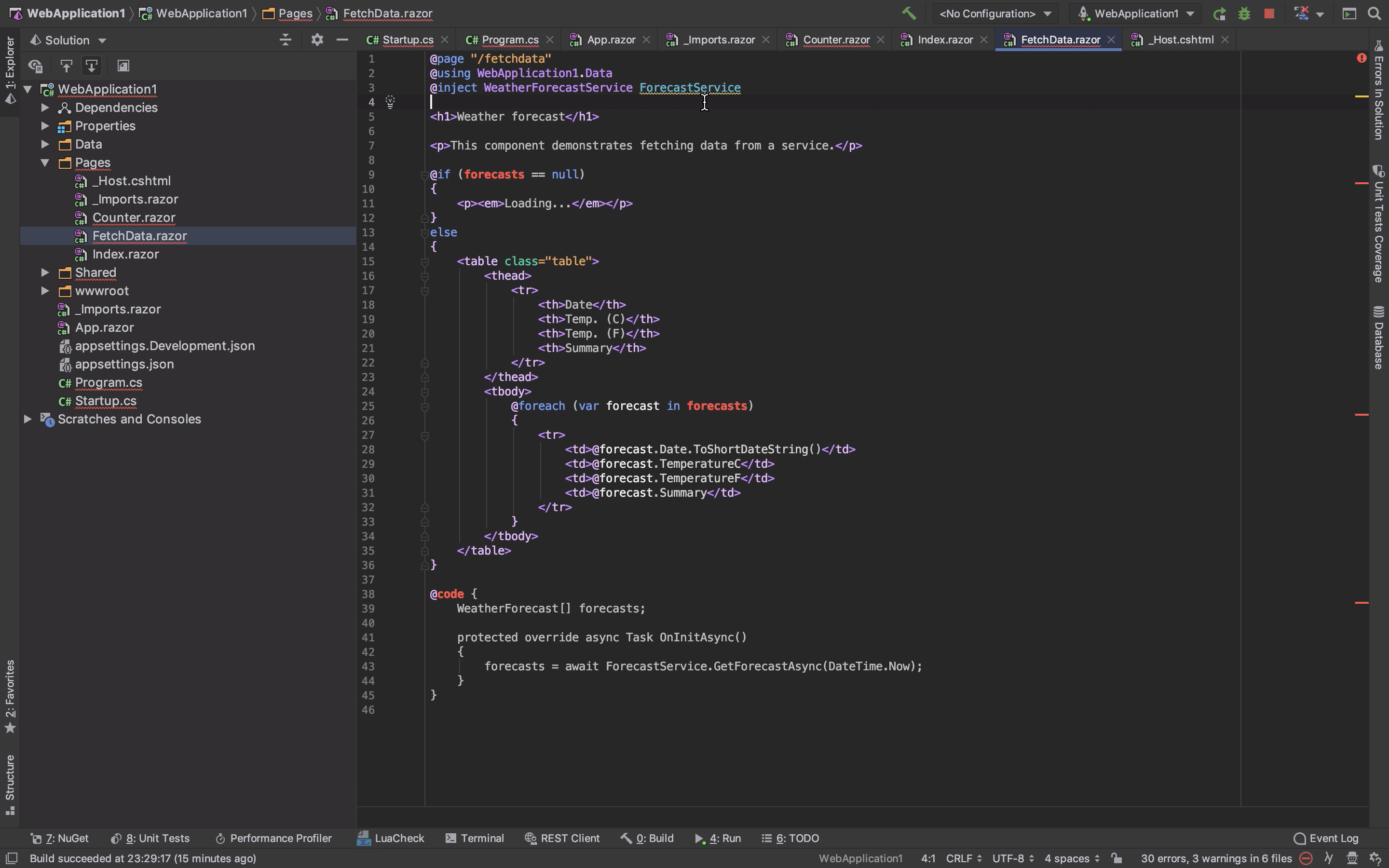
運行後可看到 Blazor component 可以正常的從注入的 Service 取得資料做呈現。