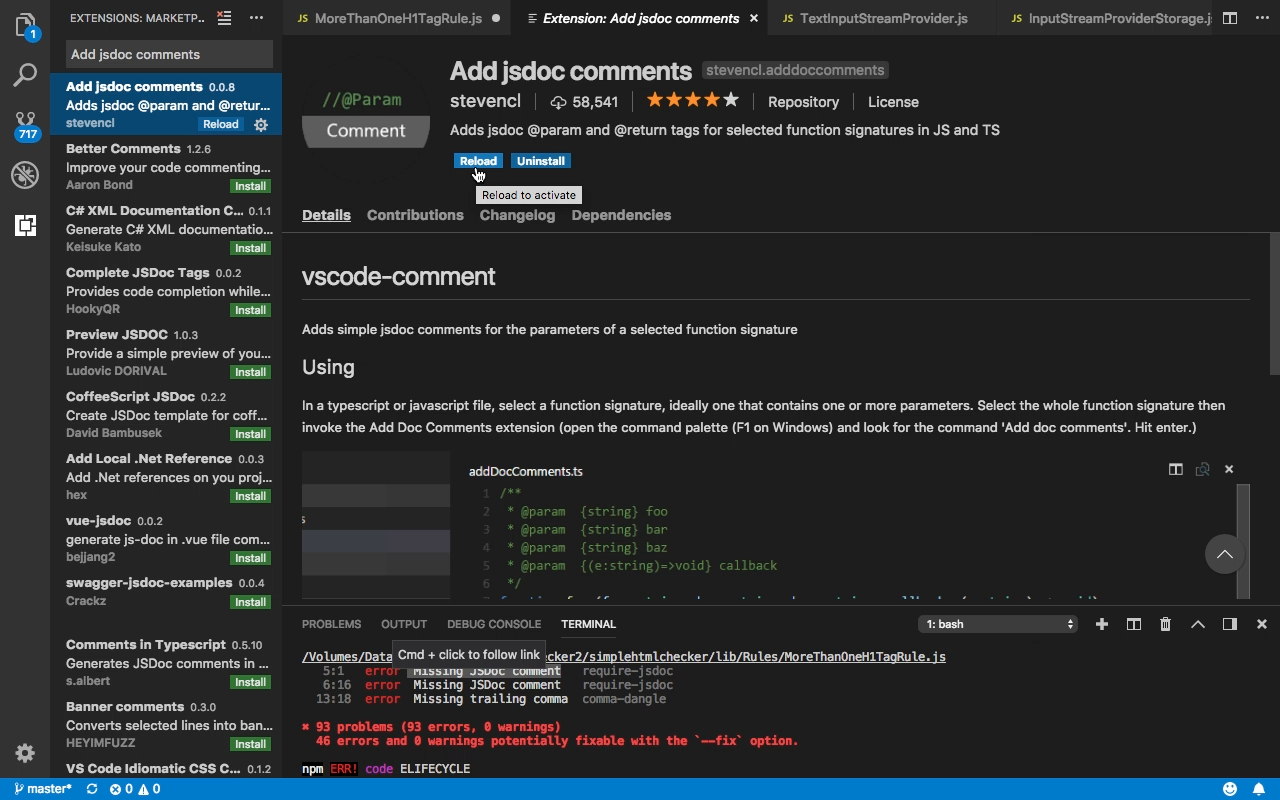
使用 Visual Studio Code 撰寫 JavaScript,如果要加上 jsdoc comment,可以考慮為 Visual Studio Code 加裝 Add jsdoc comments 套件。

按下熱鍵 Ctrl-Shift-P / Cmd-Shift-P 開啟 command palette,輸入 Extensions:Install Extensions,輸入 Add jsdoc comments 找到擴充套件進行安裝。
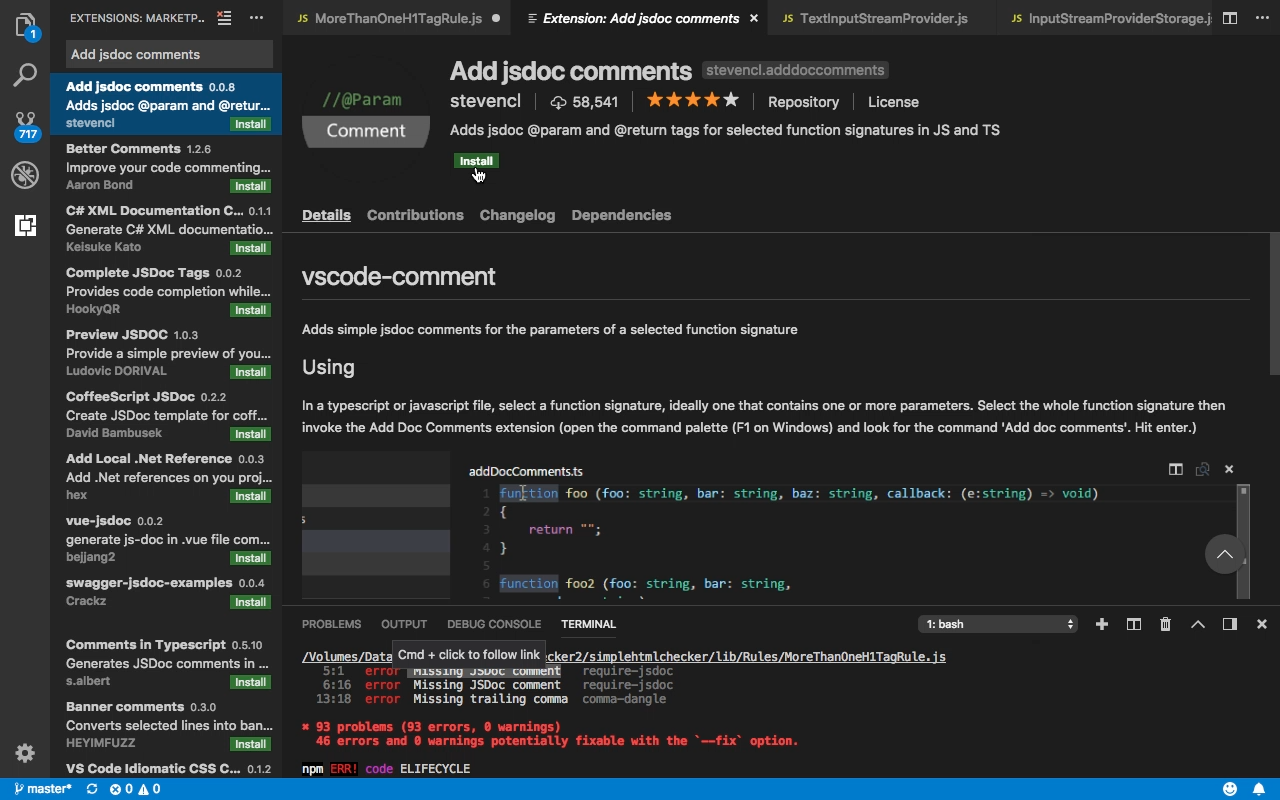
Add JSDoc Comments - Adds simple JSDoc comments for the parameters of a selected function signature

安裝後重啟 Visual Studio Code。

Add JSDoc Comments - Adds simple JSDoc comments for the parameters of a selected function signature

在要加上 jsdoc comment 的程式碼上按下熱鍵 Ctrl-Shift-P / Cmd-Shift-P,或是透過滑鼠右鍵快顯選單開啟 command palette。
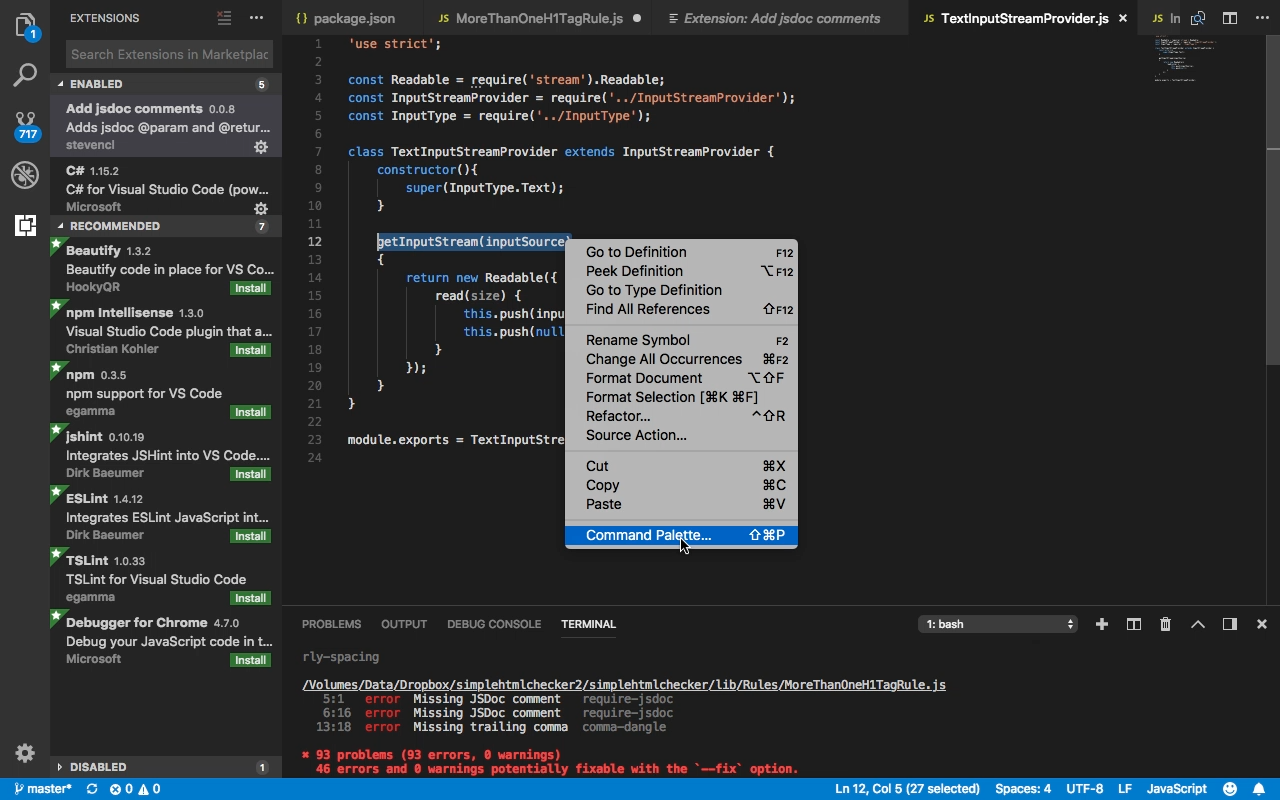
Add JSDoc Comments - Adds simple JSDoc comments for the parameters of a selected function signature

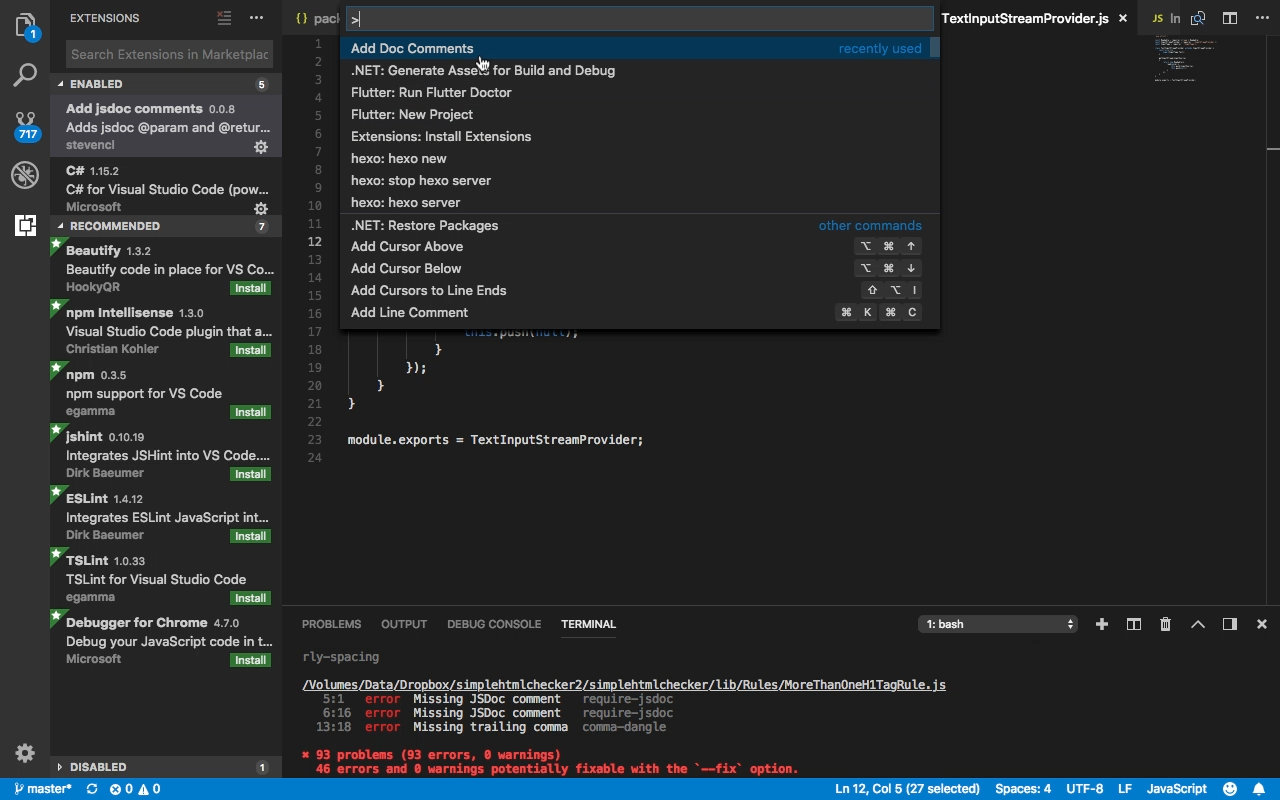
選取 Add Doc Comments。

Add JSDoc Comments - Adds simple JSDoc comments for the parameters of a selected function signature

jsdoc comment 即會被加到程式碼上,再視需要做些調整就可以了。
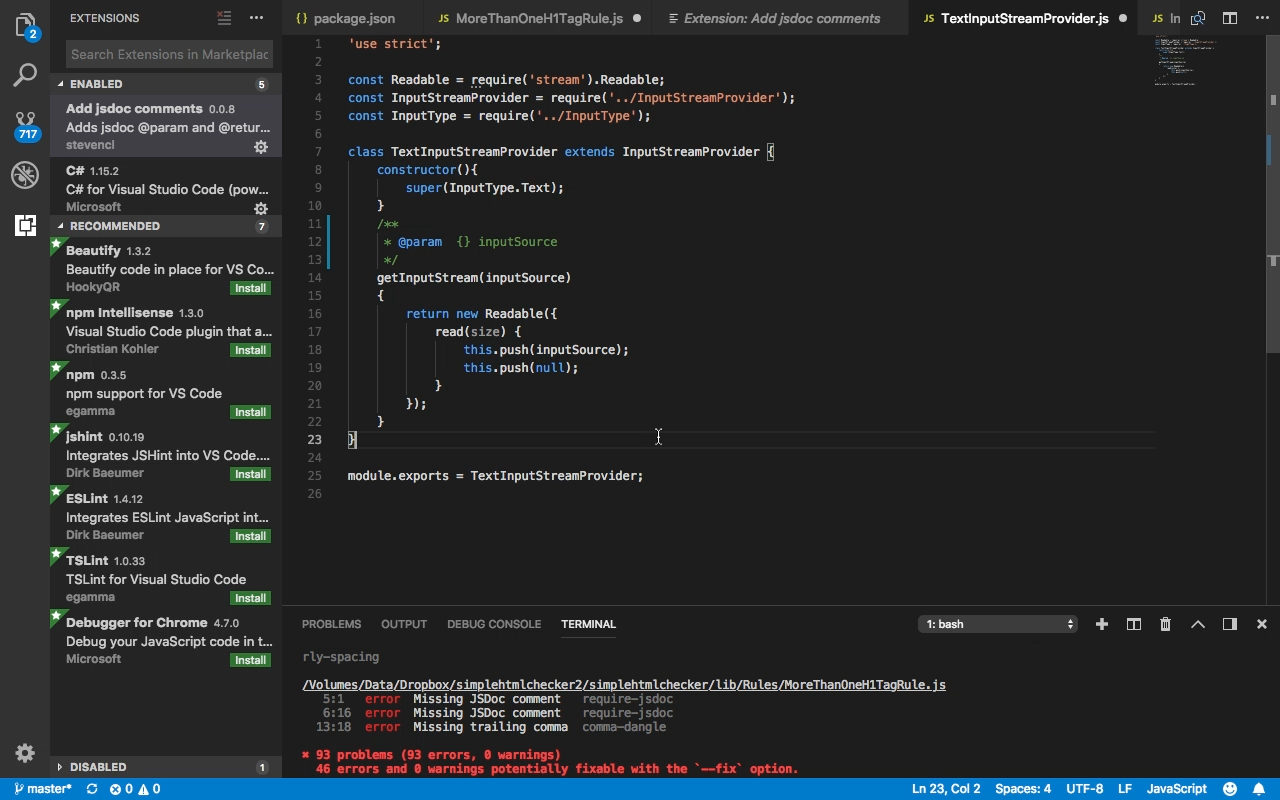
Add JSDoc Comments - Adds simple JSDoc comments for the parameters of a selected function signature